Grok AI Video Generator With AIImage APP
Create fast videos from text prompts or uploaded images
AIImage APP gives you a simple way to create Grok AI video from a text prompt or an uploaded image. Use the Grok video generator to turn an idea, product photo, portrait, scene reference, or campaign concept into a short AI video with motion, atmosphere, camera direction, and visual style. With Grok AI video, you can describe the scene you want, upload a reference image when needed, and let AIImage APP generate dynamic results for social media, ads, storytelling, product demos, music visuals, concept previews, and creative tests. Grok AI video generator free is designed for fast experimentation, so creators can try Grok AI video without a complex editing setup. Whether you need Grok AI video for a cinematic clip, Grok AI video for a marketing asset, or Grok AI video for a viral post, AIImage APP keeps the workflow clear, flexible, and beginner friendly.
How Grok AI Video Works
AIImage APP makes Grok AI video creation simple. Choose text to video or image to video, enter a prompt, upload a reference image when needed, and generate a dynamic clip. The Grok video generator is useful for creators, marketers, designers, founders, and teams that need fast video ideas. Grok AI video generator free helps you test concepts before spending time on production.

Choose Text To Video Or Image To Video
Start your Grok AI video by choosing the right workflow. Use text to video when you want the Grok video generator to build a full scene from your prompt. Use image to video when you want to upload a photo, product image, portrait, character design, or visual reference. Grok AI video generator free makes both options easy for quick creative testing.

Write A Clear Video Prompt
Describe the subject, scene, movement, camera angle, lighting, style, mood, background, and action. A better prompt helps the Grok video generator understand what your Grok AI video should look like. For image uploads, add how the image should move, what should stay consistent, and what kind of final video you want.

Set The Video Direction
Use prompt details to guide the pace, camera motion, visual energy, and story moment. Grok AI video can be used for cinematic pans, product motion, character movement, social media clips, action shots, surreal scenes, or polished brand videos. Grok AI video generator free helps you test multiple creative directions faster.

Generate And Preview Your Video
Click generate and let AIImage APP create your Grok AI video. Preview the result, adjust the prompt, and generate again when you want a different style, stronger motion, cleaner framing, or a more dramatic scene. The Grok video generator helps you move from idea to video without traditional video production.
Why Use AIImage APP For Grok AI Video
AIImage APP brings text to video and image to video into one Grok AI video workflow. The Grok video generator helps you create cinematic moments, product motion, social clips, concept previews, character videos, and brand visuals from simple prompts. Grok AI video generator free is valuable when you want to test ideas quickly, compare styles, and generate usable motion without complex software. From solo creators to marketing teams, Grok AI video makes video production faster and more flexible.
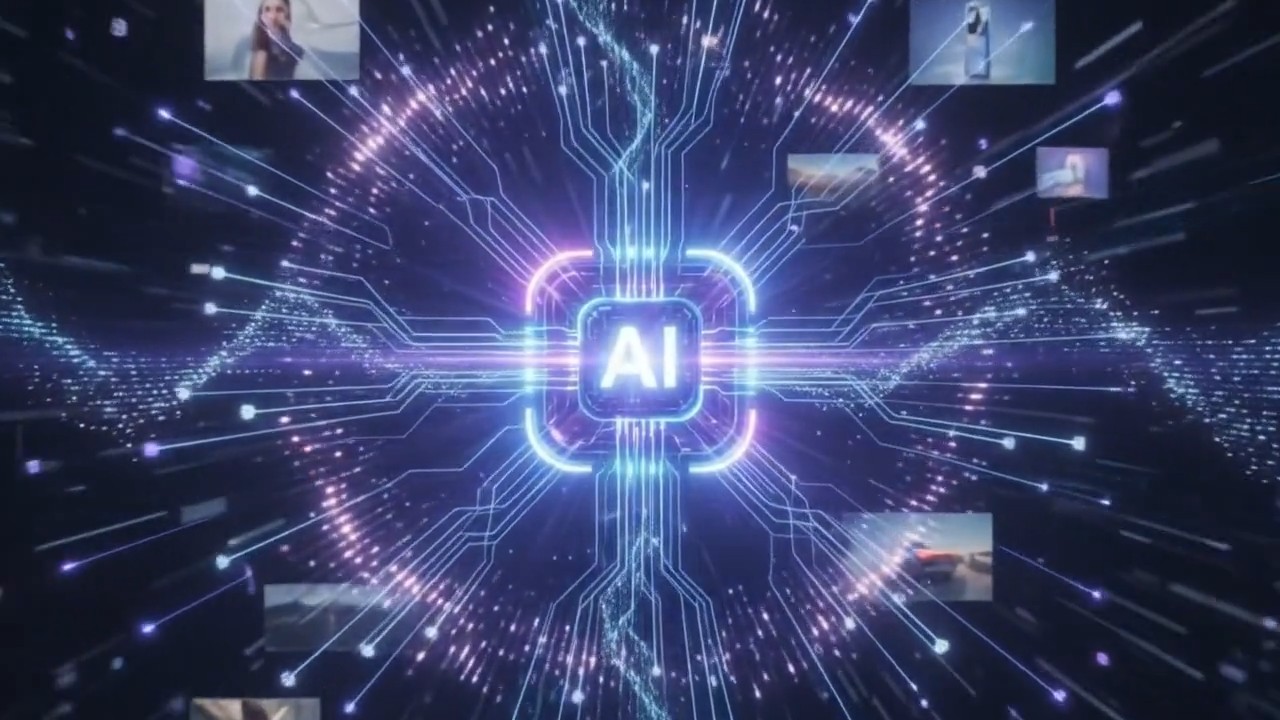
Text Prompts Become Dynamic Video Scenes
With AIImage APP, Grok AI video starts from simple language. Describe a futuristic city, a fashion walk, a product reveal, a fantasy creature, a travel scene, or a cinematic close-up. The Grok video generator reads your prompt and turns the idea into motion. Grok AI video generator free is ideal when you want fast tests, multiple versions, and creative freedom without filming. Grok AI video helps you explore camera movement, atmosphere, action, and style from one prompt.
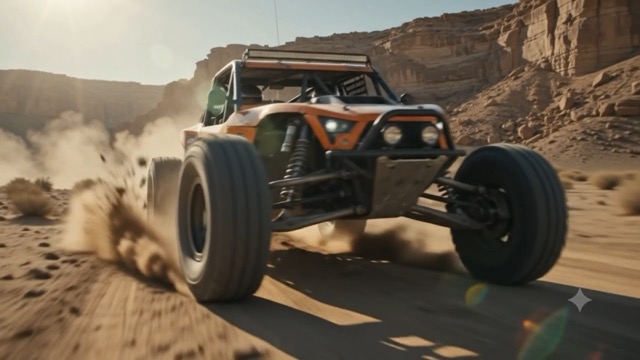
Upload Images For Image To Video Results
The Grok video generator also supports image upload. Add a portrait, product photo, character image, poster, scene reference, or AI image, then tell AIImage APP how it should move. Grok AI video can animate still visuals into short clips for ads, reels, music videos, storyboards, and product demos. Grok AI video generator free gives creators a practical way to test image to video ideas quickly. Grok AI video helps turn static visuals into publishable motion.
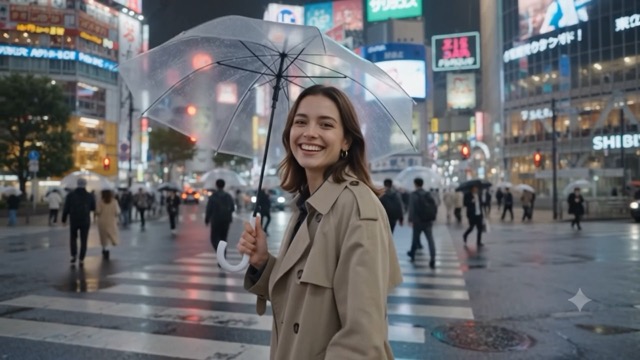
Better Motion With Prompt Control
A strong Grok AI video prompt can include camera push-in, slow pan, handheld movement, dolly zoom, subject turn, hair motion, cloth movement, background action, lighting change, or cinematic reveal. The Grok video generator uses these details to build more intentional video output. Grok AI video generator free is useful for testing motion ideas before choosing a final direction. Grok AI video gives creators more control than a one-click effect.
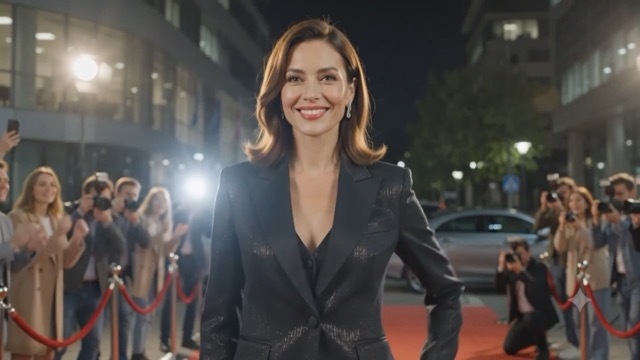
Fast Video Creation For Daily Content
Grok AI video is built for creators who need fast output. Use AIImage APP to create video concepts for TikTok, Instagram Reels, YouTube Shorts, product ads, landing pages, pitch decks, thumbnails, and campaign tests. The Grok video generator helps you make more video variations without filming, editing timelines, or hiring a crew. Grok AI video generator free supports fast exploration, while Grok AI video helps teams publish more visual ideas with less friction.
Creators Use Grok AI Video For Faster Video Ideas
AIImage APP helps marketers, designers, creators, founders, and video teams use Grok AI video, Grok video generator, and Grok AI video generator free for faster visual production.
I use Grok AI video to test short ad ideas before sending anything to production. The Grok video generator helps me turn rough concepts into motion fast, and Grok AI video generator free is perfect for early experiments.
I use Grok AI video to test short ad ideas before sending anything to production. The Grok video generator helps me turn rough concepts into motion fast, and Grok AI video generator free is perfect for early experiments.
The image upload workflow is the most useful part for me. I upload product photos and use Grok AI video to create simple motion previews. The Grok video generator saves hours during campaign planning.
The image upload workflow is the most useful part for me. I upload product photos and use Grok AI video to create simple motion previews. The Grok video generator saves hours during campaign planning.
For social content, Grok AI video is much faster than arranging a shoot. I write a prompt, choose a direction, and use the Grok video generator to create clips for reels, posts, and quick story tests.
For social content, Grok AI video is much faster than arranging a shoot. I write a prompt, choose a direction, and use the Grok video generator to create clips for reels, posts, and quick story tests.
Grok AI video generator free helps our team compare several visual angles before we commit to a final campaign. The Grok video generator makes mood, camera movement, and scene direction easier to explain.
Grok AI video generator free helps our team compare several visual angles before we commit to a final campaign. The Grok video generator makes mood, camera movement, and scene direction easier to explain.
I use Grok AI video for storyboard previews and cinematic concept tests. The Grok video generator is simple enough for fast iteration, but flexible enough for camera direction and visual style prompts.
I use Grok AI video for storyboard previews and cinematic concept tests. The Grok video generator is simple enough for fast iteration, but flexible enough for camera direction and visual style prompts.
AIImage APP makes Grok AI video easy for client previews. I can upload a reference image, add motion instructions, and use Grok AI video generator free to show a clear direction before final editing.
AIImage APP makes Grok AI video easy for client previews. I can upload a reference image, add motion instructions, and use Grok AI video generator free to show a clear direction before final editing.
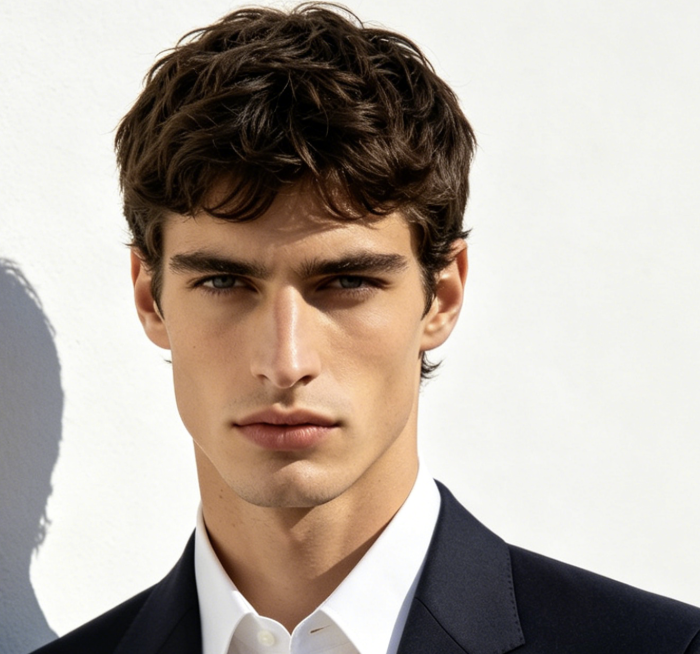
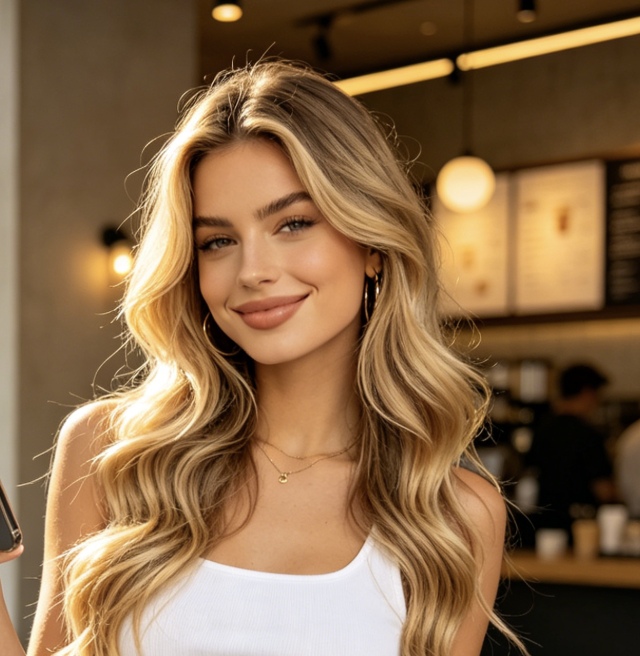
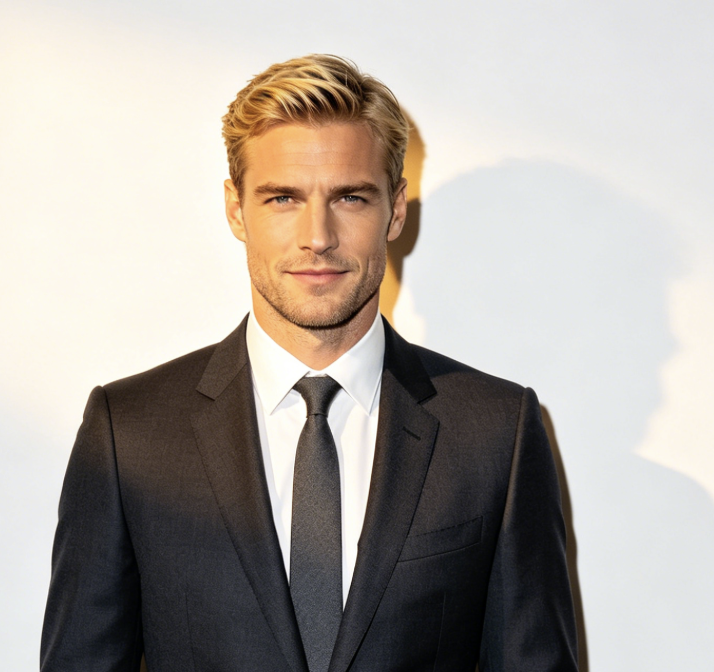
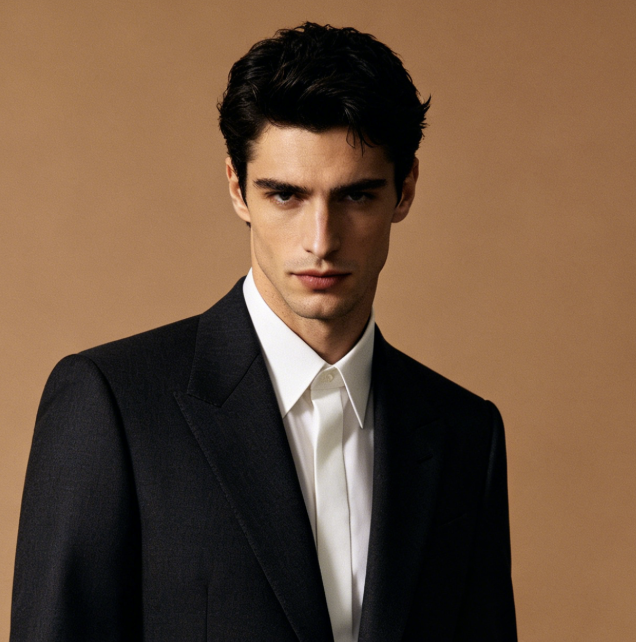
Best Use Cases For Grok AI Video
Grok AI video is useful for social clips, ads, product motion, storyboards, character animation, concept art, brand testing, and daily creative production. AIImage APP makes the Grok video generator accessible through text prompts and image uploads. Grok AI video generator free gives users a faster path from idea to motion.

Social Media Video Clips
Create Grok AI video for TikTok, Instagram Reels, YouTube Shorts, and daily posts. The Grok video generator helps you test hooks, motion ideas, visual styles, and short scenes. Grok AI video generator free is useful for fast social experiments.
Product Motion Ads
Upload product images and turn them into Grok AI video for launches, landing pages, ads, and online stores. The Grok video generator can add movement, camera direction, and atmosphere. Grok AI video generator free helps test product visuals faster.

Cinematic Story Concepts
Use Grok AI video to preview film shots, fantasy worlds, sci-fi scenes, dramatic reveals, action moments, or emotional close-ups. The Grok video generator helps turn written ideas into visual motion before full production.

AI Character Animation
Upload a character image and create Grok AI video with movement, expression, background motion, and camera style. The Grok video generator is useful for creators who want AI character clips, music visuals, or story posts.

Brand And Campaign Testing
Use Grok AI video to compare different campaign concepts before choosing a final direction. Grok AI video generator free helps teams test mood, pacing, scenes, and visual angles without expensive production.

Creative Prompt Experiments
Try different prompts, image references, camera moves, lighting setups, and scene styles. The Grok video generator makes prompt testing easier, while Grok AI video generator free gives creators room to explore more ideas.
Grok AI Video FAQ
Learn how Grok AI video works with text prompts, image uploads, camera direction, motion control, and creative video generation inside AIImage APP.
Grok AI video with AIImage APP is a video generation workflow that lets you create short AI videos from text prompts or uploaded images. You describe the scene, action, camera motion, mood, and style, then the Grok video generator creates a video based on your input.
Yes. You can use text to video by entering a prompt only. Describe the subject, setting, action, lighting, camera movement, and final mood. The Grok video generator uses your prompt to create Grok AI video without needing a source image.
Yes. AIImage APP supports image to video for Grok AI video. Upload a portrait, product photo, character image, poster, or visual reference, then add a prompt that explains how the image should move. Grok AI video generator free is helpful for testing image animation ideas.
You can create social clips, product ads, cinematic previews, character videos, fantasy scenes, motion posters, brand concepts, and creative experiments. Grok AI video works best when your prompt gives clear direction for motion, camera angle, style, and atmosphere.
To get better Grok AI video results, write a prompt with subject, action, camera movement, lighting, background, style, pace, and mood. If you upload an image, explain what should remain consistent and what should move. The Grok video generator performs better with specific direction.
Grok AI video generator free is ideal for creators who want to test AI video ideas before committing to full production. You can explore prompt variations, image to video motion, social content ideas, ad concepts, and visual storytelling with a simple workflow.
Start Creating Grok AI Video With AIImage APP
Create Grok AI video from a prompt or uploaded image in a simple workflow. Use the Grok video generator to test social clips, product ads, story ideas, cinematic scenes, character motion, and brand visuals. Grok AI video generator free helps you move from idea to video faster, while AIImage APP keeps the process clear for beginners, creators, marketers, and production teams.