
Grok Imagine 1.5 Video Generator With AIImage APP
Create 15-second AI videos from text or images
Use AIImage APP to explore Grok Imagine 1.5 for fast AI video creation. Grok Imagine video 1.5 gives creators a faster way to test visual motion. Grok Imagine 1.5 is designed for fast iteration, Grok Imagine 1.5 supports creator workflows, and Grok Imagine 1.5 keeps motion ideas easy to test. Grok Imagine 1.5 supports text to video and image to video, so you can start from a written prompt or animate an uploaded image. With Grok Imagine video 1.5, creators can generate videos up to 15 seconds, choose 480p or 720p output, and keep the final result aligned with the prompt. The Grok 1.5 video generator is useful for social clips, product ideas, cinematic concepts, character motion, brand visuals, and creative testing. Grok Imagine 1.5 helps turn simple ideas into short, dynamic videos with clearer prompt consistency. Grok Imagine video 1.5 also helps teams compare ideas quickly.
How Grok Imagine 1.5 Works
AIImage APP makes Grok Imagine 1.5 easy to use, and Grok Imagine 1.5 practical for daily content teams for text to video and image to video. Choose your workflow, write a clear prompt, select video quality, and generate a short AI video with Grok Imagine video 1.5. Grok Imagine video 1.5 keeps the process focused.

Choose Text To Video Or Image To Video
Start Grok Imagine 1.5 by choosing the right workflow. Use text to video when you want Grok Imagine 1.5 to create a new scene from your words. Use image to video when you want Grok Imagine video 1.5 to animate an uploaded photo, product image, character frame, or visual concept.

Write A Motion-Focused Prompt
Describe the subject, action, camera movement, scene, lighting, mood, and timing. Grok Imagine 1.5 follows prompts with strong consistency, so a clear prompt helps the Grok 1.5 video generator keep the video closer to your direction.

Select 480p Or 720p Video Quality
Choose the output quality that matches your goal. Grok Imagine video 1.5 supports 480p for quick previews and 720p for sharper social media or presentation clips. Grok Imagine 1.5 can generate videos up to 15 seconds.

Generate Your AI Video
Click generate and let AIImage APP process your request with Grok Imagine 1.5. The Grok 1.5 video generator creates a short video from your text or image input, giving you a ready-to-use result for creative publishing, testing, or iteration.
Why Use Grok Imagine 1.5 On AIImage APP
Grok Imagine 1.5 is built for creators who want short videos with direct prompt control. Grok Imagine video 1.5 supports up to 15 seconds, text to video, image to video, 480p, 720p, and consistent prompt following inside a simple AIImage APP workflow. Grok Imagine 1.5 fits social-first teams, and Grok Imagine video 1.5 supports quick creative review.
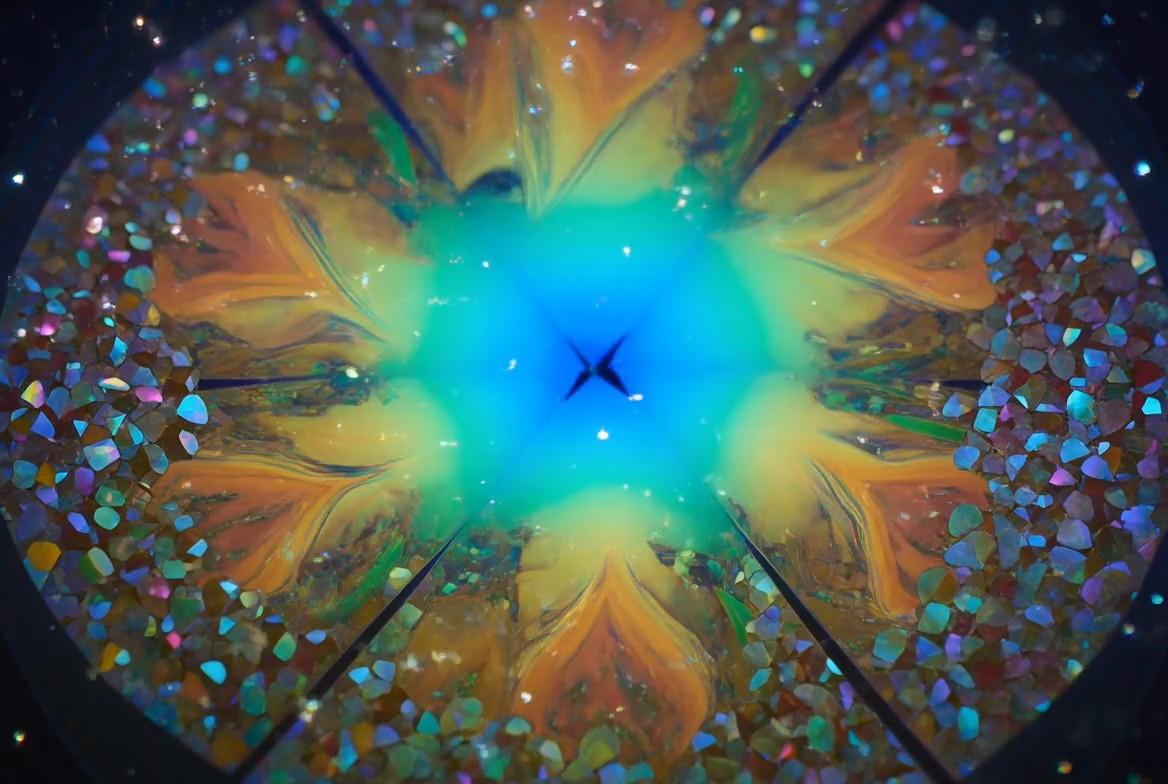
Text To Video For Fast Scene Creation
Use Grok Imagine 1.5 when you want to create a video directly from a written idea. Describe a cinematic street scene, product demo, fantasy character, travel moment, fashion clip, or viral social concept. Grok Imagine video 1.5 turns the prompt into motion while keeping the main idea consistent. The Grok 1.5 video generator is helpful when you need quick creative drafts before a campaign, ad test, reel, or storyboard.
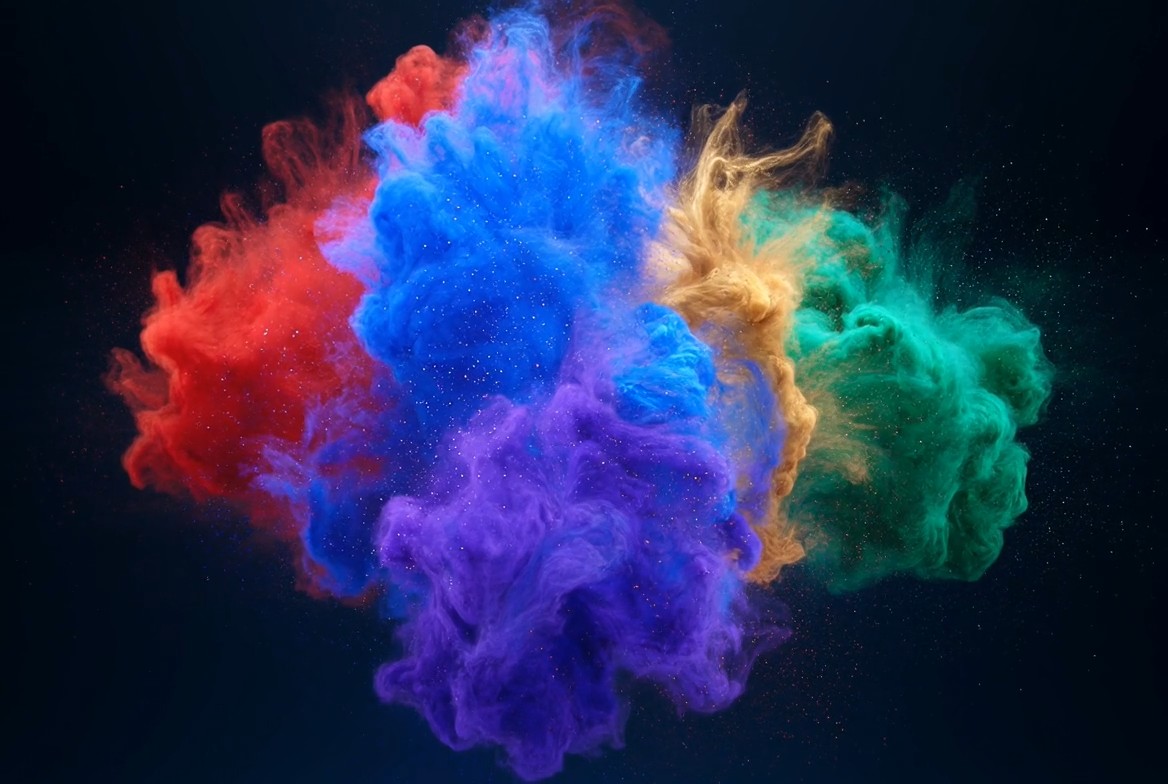
Image To Video For Animating Visuals
Upload a portrait, product shot, mascot, concept art, or scene image, then use Grok Imagine 1.5 to add motion. Grok Imagine 1.5 can turn a still image into a short AI video with camera movement. Grok Imagine 1.5 helps preserve the starting visual while adding motion, subject action, atmosphere, and visual energy. Grok Imagine video 1.5 is especially useful for creators who already have a strong visual starting point and want the Grok 1.5 video generator to bring it to life.
Up To 15 Seconds For Short-Form Content
Grok Imagine 1.5 supports videos up to 15 seconds, making it practical for TikTok, Reels, Shorts, ads, thumbnails, product teasers, and visual experiments. With Grok Imagine video 1.5, you can build a complete mini moment rather than only a tiny motion loop. Grok Imagine video 1.5 gives teams a flexible short-video workflow. The Grok 1.5 video generator helps teams test hooks, scenes, movement, and visual direction faster.
480p And 720p Output Options
Use 480p when you want faster previews and 720p when you need cleaner output for social sharing or client review. Grok Imagine 1.5 gives creators flexible quality choices without making the workflow complicated. Grok Imagine video 1.5 is useful for fast preview-to-share workflows. Grok Imagine video 1.5 keeps the process simple: enter a prompt, select the quality, and let the Grok 1.5 video generator create your result.
Best Use Cases For Grok Imagine 1.5
Grok Imagine 1.5 fits many short-form creative workflows. Grok Imagine 1.5 works for frequent content testing. Use Grok Imagine video 1.5 when you need fast video concepts, animated images, social posts, campaign tests, product clips, or visual storytelling with the Grok 1.5 video generator.

Social Media Video Concepts
Create attention-grabbing clips with Grok Imagine 1.5 for TikTok, Reels, Shorts, and X posts. Grok Imagine video 1.5 helps creators test hooks, camera moves, character actions, and viral visual ideas. Grok Imagine video 1.5 keeps short-form production flexible.
Product Teasers And Ads
Use the Grok 1.5 video generator to turn product ideas into short motion previews. Grok Imagine 1.5 can help show a product reveal, lifestyle scene, package animation, or promotional concept. The Grok 1.5 video generator helps test product messaging quickly.

Character And Mascot Animation
Upload a character image and animate it with Grok Imagine video 1.5. Grok Imagine 1.5 is useful for mascots, avatars, game concepts, fan-style characters, and branded visual storytelling.

Cinematic Storyboards
Build quick cinematic drafts with the Grok 1.5 video generator. Use Grok Imagine 1.5 to test camera direction, mood, lighting, movement, scene pacing, and visual composition. Grok Imagine 1.5 helps teams compare different storyboard options.

Creator Portfolio Experiments
Designers, editors, and creators can use Grok Imagine video 1.5 to explore new motion ideas. Grok Imagine 1.5 helps turn visual experiments into short shareable samples.

Marketing Visual Testing
Use Grok Imagine 1.5 to compare different prompts, scenes, and product messages before investing in full production. The Grok 1.5 video generator gives teams more visual options quickly.
Creators Using Grok Imagine 1.5
Teams use AIImage APP to test Grok Imagine 1.5, Grok Imagine video 1.5, and the Grok 1.5 video generator for real short-form creative work. Grok Imagine video 1.5 is built for practical video experiments.
I used Grok Imagine 1.5 to build quick reel ideas before briefing my editor. Grok Imagine video 1.5 gave me 15-second concepts that matched my prompt closely, and the Grok 1.5 video generator made testing hooks much faster.
I used Grok Imagine 1.5 to build quick reel ideas before briefing my editor. Grok Imagine video 1.5 gave me 15-second concepts that matched my prompt closely, and the Grok 1.5 video generator made testing hooks much faster.
For product teasers, Grok Imagine 1.5 helped me turn static product shots into motion. Grok Imagine video 1.5 was useful for comparing 480p previews and 720p clips, and the Grok 1.5 video generator saved production time.
For product teasers, Grok Imagine 1.5 helped me turn static product shots into motion. Grok Imagine video 1.5 was useful for comparing 480p previews and 720p clips, and the Grok 1.5 video generator saved production time.
I tested Grok Imagine 1.5 for storyboard drafts. The prompt consistency felt strong when I described camera movement and mood. Grok Imagine video 1.5 helped me show clients motion direction before shooting.
I tested Grok Imagine 1.5 for storyboard drafts. The prompt consistency felt strong when I described camera movement and mood. Grok Imagine video 1.5 helped me show clients motion direction before shooting.
I uploaded mascot artwork and used Grok Imagine 1.5 to animate it. The Grok 1.5 video generator kept the character idea readable, while Grok Imagine video 1.5 gave me a short clip I could use in a brand concept deck.
I uploaded mascot artwork and used Grok Imagine 1.5 to animate it. The Grok 1.5 video generator kept the character idea readable, while Grok Imagine video 1.5 gave me a short clip I could use in a brand concept deck.
Grok Imagine 1.5 is great for ad testing. I used Grok Imagine video 1.5 to make several 15-second variations from prompt ideas, then picked the best direction before making final paid creative.
Grok Imagine 1.5 is great for ad testing. I used Grok Imagine video 1.5 to make several 15-second variations from prompt ideas, then picked the best direction before making final paid creative.
The Grok 1.5 video generator helped me move from image ideas to short videos quickly. Grok Imagine 1.5 made image to video simple, and Grok Imagine video 1.5 worked well for social-first experiments.
The Grok 1.5 video generator helped me move from image ideas to short videos quickly. Grok Imagine 1.5 made image to video simple, and Grok Imagine video 1.5 worked well for social-first experiments.



Grok Imagine 1.5 FAQ
Learn how Grok Imagine 1.5 works inside AIImage APP for text to video, image to video, 480p, 720p, 15-second output, and prompt-consistent AI video creation.
Grok Imagine 1.5 is an AI video model available on AIImage APP for creating short videos from text prompts or uploaded images. Grok Imagine video 1.5 supports videos up to 15 seconds and works well for fast creative testing.
Yes. Write a prompt with subject, action, camera movement, lighting, and mood. Grok Imagine 1.5 can generate a short video from text, and the Grok 1.5 video generator follows the prompt to keep the output consistent.
Yes. Upload an image and describe the motion you want. Grok Imagine video 1.5 can animate portraits, product photos, characters, concept art, and scenes with a short AI video result.
Grok Imagine 1.5 supports videos up to 15 seconds. This makes Grok Imagine video 1.5 suitable for social posts, ads, product teasers, storyboards, and short creative clips.
The Grok 1.5 video generator supports 480p and 720p output. Use 480p for quick drafts and 720p for sharper clips when you want to share or review the result.
Use a clear prompt. Mention the subject, action, camera movement, scene, lighting, mood, style, and duration. Grok Imagine 1.5 performs better when Grok Imagine video 1.5 receives specific motion and visual instructions.
Start Creating With Grok Imagine 1.5
Use AIImage APP to create short AI videos with Grok Imagine 1.5. Start from text to video or image to video, choose 480p or 720p, and generate videos up to 15 seconds. Grok Imagine video 1.5 gives creators a simple way to test motion ideas, product concepts, social clips, cinematic scenes, and brand visuals. Try the Grok 1.5 video generator to turn your prompt into a clear, dynamic AI video.