
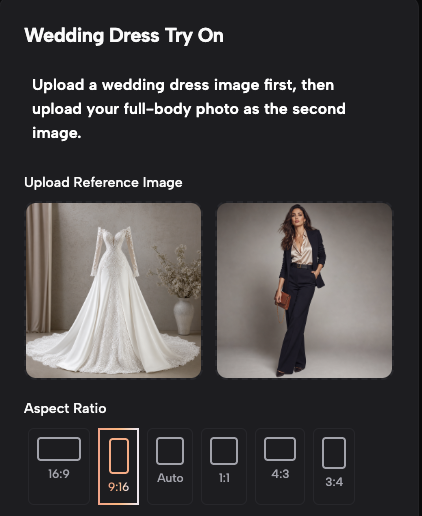
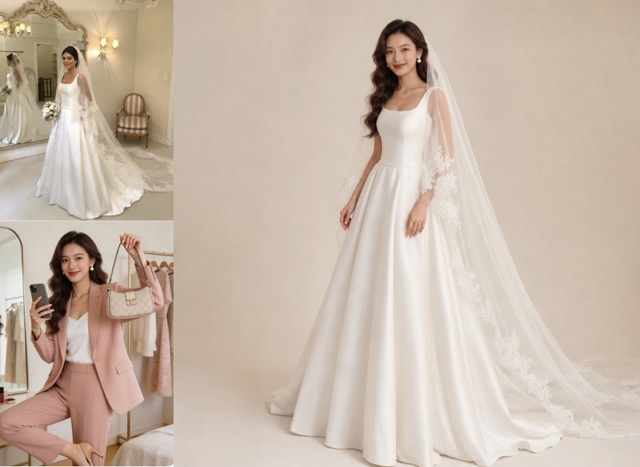
Upload a wedding dress image first, then upload your full-body photo as the second image.
Virtual Wedding Dress Try On With AIImage APP
Try your dream wedding dress on your own full-body photo
AIImage APP makes virtual wedding dress try on simple, realistic, and elegant. Upload Image 1 as the wedding dress reference, upload Image 2 as your full-body photo, and generate a seamless bridal fitting result in seconds. This virtual wedding dress try on tool transfers the dress design, neckline, sleeves, lace, embroidery, skirt shape, train, and fabric texture onto your body while preserving your face, hairstyle, body shape, skin tone, pose, and proportions. Whether you want an Azazie wedding dress try on style preview, a bridal studio look, or a way to try on wedding dress at home before choosing a gown, AIImage APP helps you visualize the result with no obvious AI feeling.
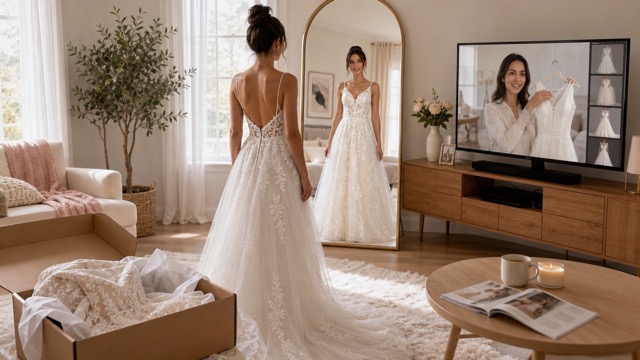
How To Use Virtual Wedding Dress Try On
Create a realistic virtual wedding dress try on with AIImage APP in three simple steps. Upload a wedding dress image first, add your full-body photo as the second image, click generate, then preview and download your bridal result.
Upload Two Images In The Right Order
Step 1
Start by uploading your wedding dress reference as Image 1. Then upload your clear full-body photo as Image 2. AIImage APP uses the first image to understand the dress design and uses the second image as the target person. This order is important for a realistic virtual wedding dress try on, because the AI transfers the wedding dress from Image 1 onto the person in Image 2 while preserving your face, body shape, pose, and skin tone.
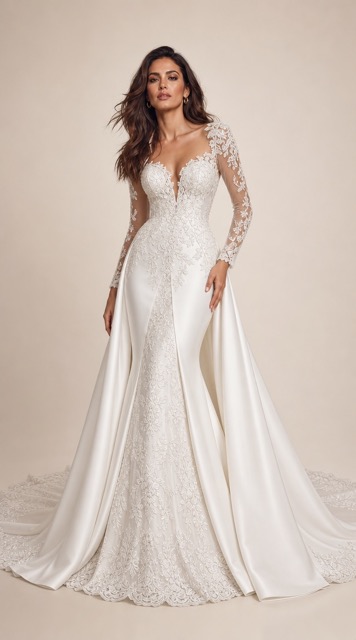
Why Use AIImage APP For Virtual Wedding Dress Try On
Choosing a wedding dress is emotional, visual, and personal. AIImage APP helps you try on wedding dress at home before making a decision. Instead of imagining how a gown will fit, you can use virtual wedding dress try on to see the dress on your own full-body photo. It is useful for comparing styles, testing bridal concepts, building a wedding mood board, or previewing an Azazie wedding dress try on style result with your own face and body preserved.
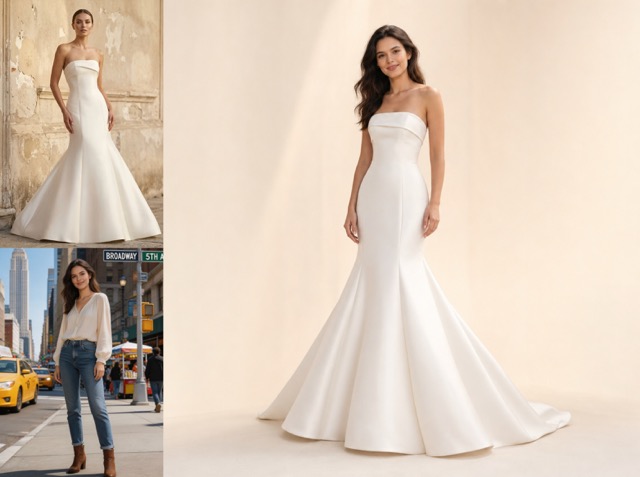
Two-Image Wedding Dress Try-On Workflow
AIImage APP uses a clear two-image process. Upload the wedding dress photo first, then upload your full-body photo. The virtual wedding dress try on result transfers the dress from Image 1 onto the person in Image 2. This makes it easy to try on wedding dress at home and compare different gowns without complicated editing.
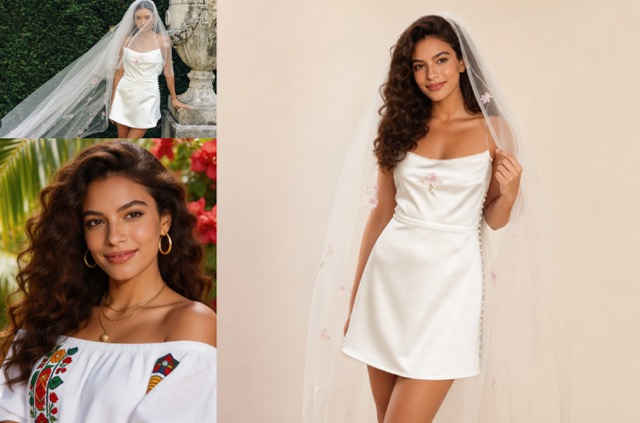
Realistic Dress Fit Without AI Feeling
The virtual wedding dress try on tool focuses on realistic garment fitting. It recreates the neckline, sleeves, bodice, waist, skirt, lace, embroidery, train, and fabric texture while matching the target body. Shadows, folds, draping, and lighting are adjusted naturally, helping the result look like a real bridal fitting photo instead of an obvious AI edit.
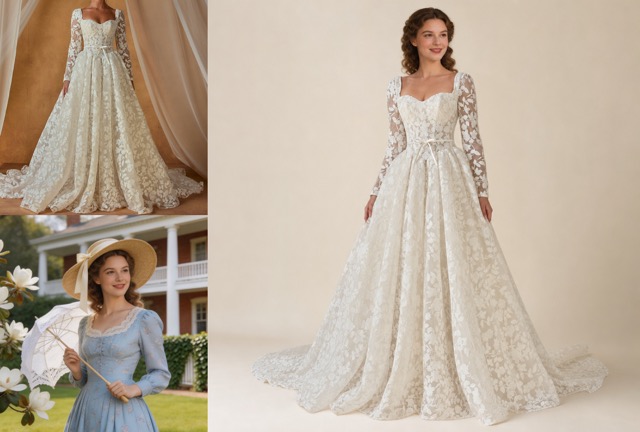
Azazie Wedding Dress Try On Style Preview
Many users search for Azazie wedding dress try on because they want to preview bridal styles before committing. AIImage APP supports a flexible virtual wedding dress try on workflow where you can use your own dress reference and your own full-body photo. It is not limited to one catalog style, so you can try on wedding dress at home using many bridal inspirations.
Remove Accessories For A Clean Bridal Look
For a refined virtual wedding dress try on result, AIImage APP can remove unnecessary accessories from the original target photo, including hats, glasses, bags, scarves, necklaces, watches, and unrelated decoration. The final result appears on a clean pure-color bridal studio background, making it easier to focus on the dress, body fit, and overall bridal style.
Users Love Virtual Wedding Dress Try On
AIImage APP helps brides, stylists, photographers, planners, and creators try on wedding dress at home with realistic bridal results.
I used AIImage APP for virtual wedding dress try on before booking a bridal appointment. It kept my face and body shape realistic, and the dress looked naturally fitted.
I used AIImage APP for virtual wedding dress try on before booking a bridal appointment. It kept my face and body shape realistic, and the dress looked naturally fitted.
The Azazie wedding dress try on style preview helped me compare different silhouettes. I could try on wedding dress at home and understand which neckline worked best.
The Azazie wedding dress try on style preview helped me compare different silhouettes. I could try on wedding dress at home and understand which neckline worked best.
AIImage APP made virtual wedding dress try on feel surprisingly natural. The lace, train, and skirt shape transferred well, and the clean background made the result look professional.
AIImage APP made virtual wedding dress try on feel surprisingly natural. The lace, train, and skirt shape transferred well, and the clean background made the result look professional.
I wanted an Azazie wedding dress try on alternative for content planning. The tool let me test bridal looks on a full-body photo without changing the model’s identity.
I wanted an Azazie wedding dress try on alternative for content planning. The tool let me test bridal looks on a full-body photo without changing the model’s identity.
As a photographer, I liked how the virtual wedding dress try on result removed clutter and placed the subject on a clean studio background. It looked elegant and usable.
As a photographer, I liked how the virtual wedding dress try on result removed clutter and placed the subject on a clean studio background. It looked elegant and usable.
I used it to try on wedding dress at home before ordering samples. The preview helped me compare ball gown, mermaid, and A-line styles more confidently.
I used it to try on wedding dress at home before ordering samples. The preview helped me compare ball gown, mermaid, and A-line styles more confidently.
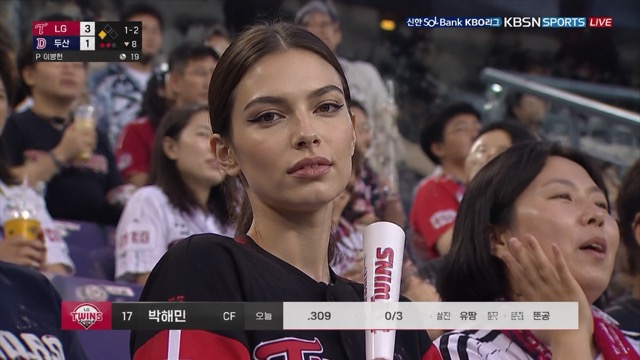
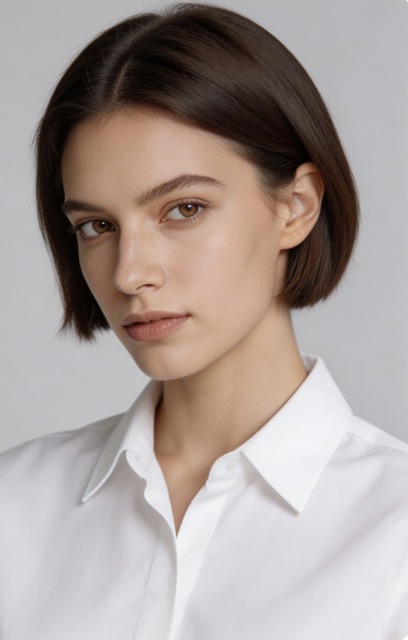
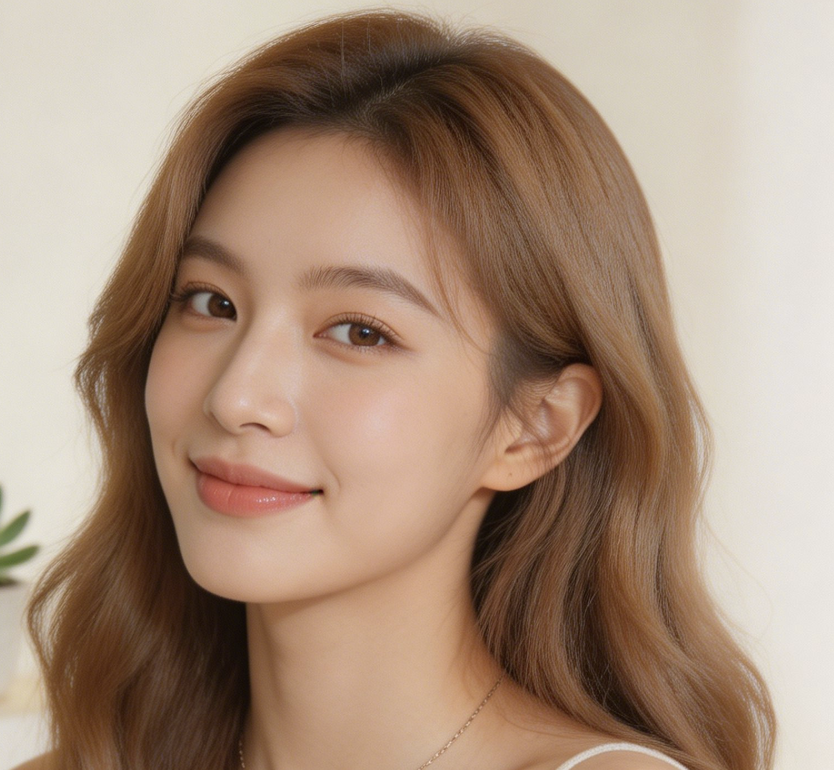


Best Use Cases For Virtual Wedding Dress Try On
Use AIImage APP to create realistic bridal previews, compare dress styles, plan wedding looks, and try on wedding dress at home before making a decision.

Bridal Dress Comparison
Use virtual wedding dress try on to compare A-line, mermaid, ball gown, sheath, lace, satin, and tulle dresses on your own body. This helps you try on wedding dress at home before visiting a boutique.

Azazie Wedding Dress Try On Inspiration
If you are searching for Azazie wedding dress try on ideas, AIImage APP lets you preview similar bridal styling concepts with your own reference dress and full-body photo.

Wedding Mood Board Creation
Create a clean virtual wedding dress try on image for your bridal mood board. Test dress style, background, silhouette, and overall ceremony look before finalizing your wedding plan.

Online Dress Shopping Preview
Before ordering a gown online, try on wedding dress at home with AIImage APP. The virtual wedding dress try on result gives you a better sense of style, fit, and visual direction.

Bridal Content And Social Posts
Creators can use virtual wedding dress try on for bridal content, before-and-after posts, dress inspiration boards, and wedding planning visuals. The result is clean, elegant, and shareable.

Pre-Fitting Style Planning
Use an Azazie wedding dress try on style workflow before a real fitting. Compare necklines, sleeves, trains, and skirt shapes so your bridal appointment becomes more focused and efficient.
Virtual Wedding Dress Try On FAQ
Learn how AIImage APP helps you create a realistic virtual wedding dress try on from two images and try on wedding dress at home.
It is an AI bridal fitting tool that uses two uploaded images. Image 1 provides the wedding dress reference, and Image 2 provides the target person. AIImage APP creates a virtual wedding dress try on result by transferring the dress onto the person while preserving face, body shape, skin tone, pose, and identity.
Yes. You can try on wedding dress at home by uploading a clear full-body photo as the target image. The tool then applies the wedding dress from your reference image to your own body for a realistic preview.
AIImage APP is not affiliated with Azazie. However, users who search for Azazie wedding dress try on may use AIImage APP as a flexible AI workflow to preview bridal dress styles with their own wedding dress reference and full-body photo.
No. AIImage APP is designed to preserve your face, identity, hairstyle, body shape, body proportions, skin tone, and natural pose. The goal is to change the dress only and keep the person recognizable.
Yes. The virtual wedding dress try on workflow can remove unnecessary accessories such as hats, glasses, bags, scarves, watches, necklaces, and unrelated decorations, helping create a clean bridal studio result.
For the best virtual wedding dress try on result, use a clear wedding dress reference image and a full-body target photo with visible shoulders, waist, arms, and legs. A simple pose and good lighting help the AI create a more realistic bridal fitting preview.
Try Virtual Wedding Dress Try On With AIImage APP
Upload a wedding dress reference, upload your full-body photo, and create a realistic virtual wedding dress try on in seconds. Use AIImage APP to try on wedding dress at home, explore an Azazie wedding dress try on inspired workflow, preserve your face and body shape, and generate a clean bridal studio result.