Negative Image Converter by AIImage APP
Invert photo colors online in one click
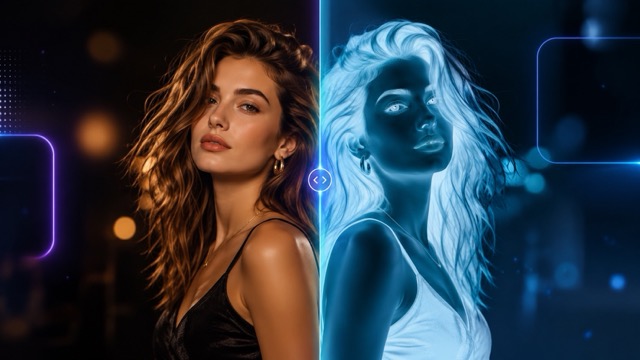
Turn any photo into a striking color negative with the AIImage APP negative image converter. Upload a portrait, product photo, landscape, poster, or social image, then let the built-in effect reverse the colors while keeping the subject clear and detailed. The image color inverter creates an authentic negative look without layers, masks, or manual adjustments. Use the free online negative photo filter to explore surreal tones, retro film effects, artistic portraits, and eye-catching marketing visuals. The negative image converter is fast, simple, and suitable for beginners, while the image color inverter gives creators a direct way to experiment with reversed color relationships. Start with the negative image converter whenever you need a clean negative effect from an existing image.
How the Negative Image Converter Works
AIImage APP makes negative conversion simple. Upload an image, apply the preset effect, generate a preview, and download the result. The negative image converter handles the transformation automatically, while the image color inverter reverses the color values across the full photo. Use the free online negative photo filter for quick creative edits without installing software.

Upload Your Original Image
Open the negative image converter and upload a clear source image. Choose a clear photo for the best result. The image color inverter works with portraits, pets, products, travel photos, artwork, and social media graphics. You can also use the free online negative photo filter on older pictures to create a fresh visual direction.

Apply the Built-In Negative Effect
Select the preset negative effect and let the negative image converter process the uploaded photo. You do not need to write a prompt or adjust technical settings. The image color inverter automatically reverses light and dark values and shifts every color toward its opposite. This makes the free online negative photo filter easy to use for fast creative experiments.
Generate and Preview
Click generate to preview the transformed image. The negative image converter keeps the composition and subject while changing the overall color logic. Review the result produced by the image color inverter and compare it with the original. The free online negative photo filter helps you test a dramatic effect before using it in a design, post, or campaign.

Download and Share
Download the finished file from the negative image converter and use it in social posts, posters, moodboards, profile art, album graphics, or personal projects. The image color inverter creates a ready-to-use result without complex software. With the free online negative photo filter, you can quickly produce another version whenever you want a stronger visual contrast.
Why Use the AIImage APP Negative Image Converter
The negative image converter gives you a direct way to reverse photo colors without manual editing. AIImage APP combines a simple upload flow, automatic processing, preview, and download in one browser-based tool. The image color inverter works for portraits, products, travel images, art references, posters, and social graphics. Use the free online negative photo filter when you want an unusual palette, stronger contrast, or a retro photographic mood. The negative image converter supports fast experiments, and the image color inverter helps you create a consistent negative effect across the whole image.
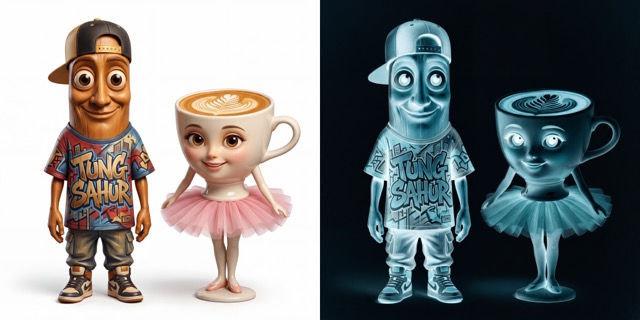
One-Click Color Inversion
The AIImage APP negative image converter turns a normal photo into a negative image with one clear action. There is no need to manage curves, channels, or blend modes. The image color inverter analyzes the entire picture and reverses its colors consistently, helping faces, clothing, backgrounds, and objects keep a coherent look. The free online negative photo filter is useful when you want an instant effect for a concept, post, or experiment. Use the negative image converter to move from original to negative without a manual editing workflow.
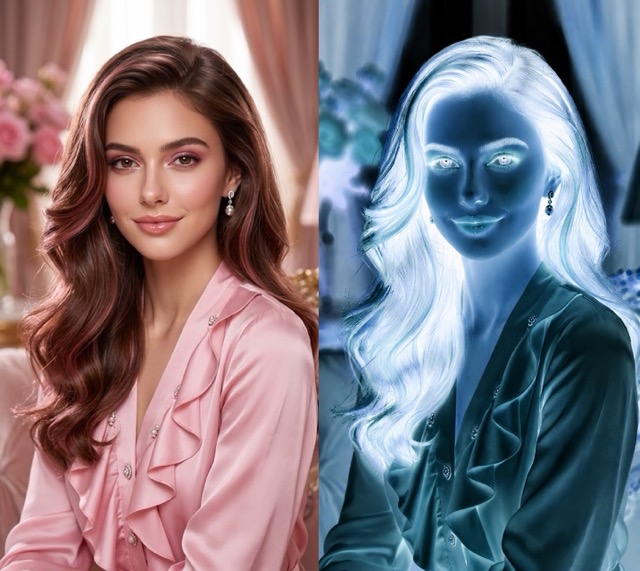
Detailed Results for Portraits and Objects
A strong negative effect should preserve recognizable details. The negative image converter keeps facial features, hair texture, clothing edges, product shapes, and background structure visible while changing the palette. The image color inverter creates unusual cyan, blue, orange, violet, and high-contrast tones based on the source image. Use the free online negative photo filter for portraits, still life photography, fashion images, and visual studies. The negative image converter helps your subject remain readable even after the colors are reversed.
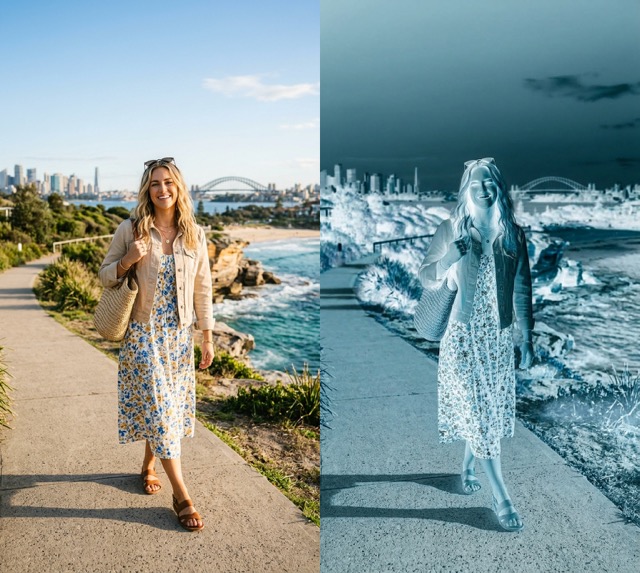
Creative Style Without Complex Software
You can use the negative image converter without learning advanced photo editing. Upload, generate, preview, and download in a straightforward workflow. The image color inverter is ideal for creators who need fast visual alternatives for social media, campaign drafts, music artwork, posters, or moodboards. The free online negative photo filter removes the need for desktop software and lengthy tutorials. With the negative image converter, a familiar photo can become a bold creative asset in seconds.
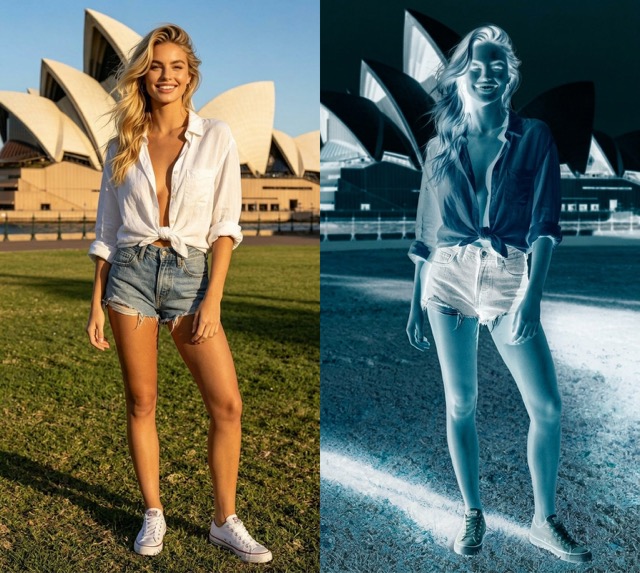
Fast Output for Daily Content
The negative image converter supports quick content production when you need a fresh visual from an existing photo. Use the image color inverter to prepare alternate thumbnails, story graphics, experimental portraits, and design references. The free online negative photo filter makes it easy to test several source images and choose the most effective result. Because the negative image converter automates the color reversal, you can focus on selecting, publishing, and sharing the final creative.
Users Recommend the Negative Image Converter
Creators, photographers, designers, marketers, musicians, and students use the negative image converter to explore new palettes. The image color inverter and free online negative photo filter make negative-style editing easier for many creative workflows.
I use the negative image converter to create alternate portrait visuals for social posts. The image color inverter gives me a polished result quickly, and the online filter is simple enough for daily work.
I use the negative image converter to create alternate portrait visuals for social posts. The image color inverter gives me a polished result quickly, and the online filter is simple enough for daily work.
The negative image converter helps me test high-contrast directions before building a full campaign. I like how the image color inverter keeps the subject recognizable while changing the entire mood.
The negative image converter helps me test high-contrast directions before building a full campaign. I like how the image color inverter keeps the subject recognizable while changing the entire mood.
I wanted a fast negative effect for music artwork. The negative image converter produced a clean result, and the free online negative photo filter saved me from opening complicated editing software.
I wanted a fast negative effect for music artwork. The negative image converter produced a clean result, and the free online negative photo filter saved me from opening complicated editing software.
For product concept boards, the negative image converter gives ordinary photos a more experimental style. The image color inverter is useful for presenting different visual directions to clients.
For product concept boards, the negative image converter gives ordinary photos a more experimental style. The image color inverter is useful for presenting different visual directions to clients.
The free online negative photo filter is a practical way to create dramatic blog headers. The negative image converter is fast, and the image color inverter produces consistent colors across the full image.
The free online negative photo filter is a practical way to create dramatic blog headers. The negative image converter is fast, and the image color inverter produces consistent colors across the full image.
I use the negative image converter for art studies and visual experiments. The image color inverter helps me notice new color relationships, while the online workflow keeps the process accessible.
I use the negative image converter for art studies and visual experiments. The image color inverter helps me notice new color relationships, while the online workflow keeps the process accessible.
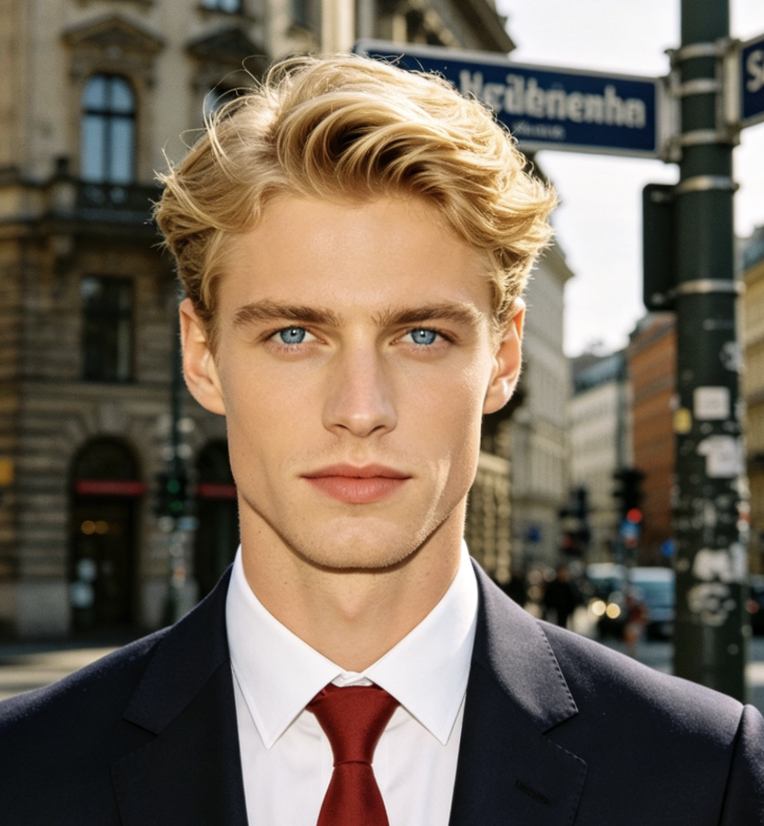
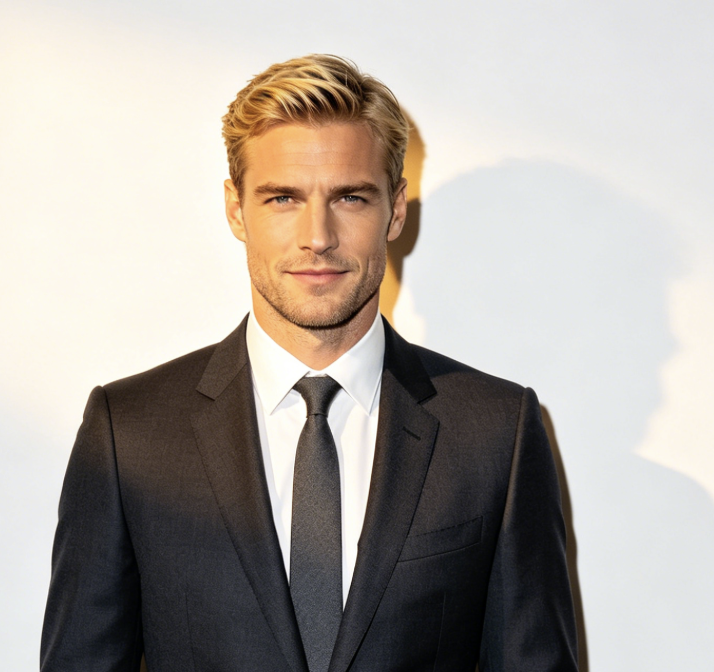

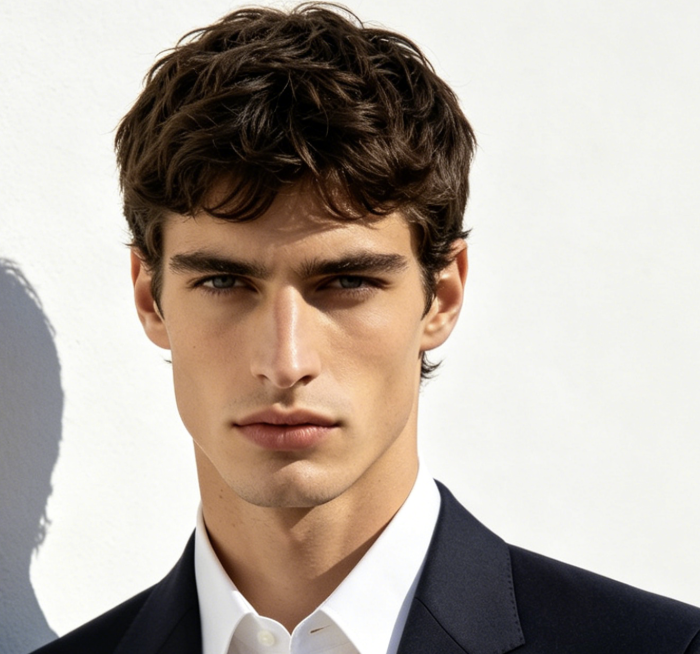

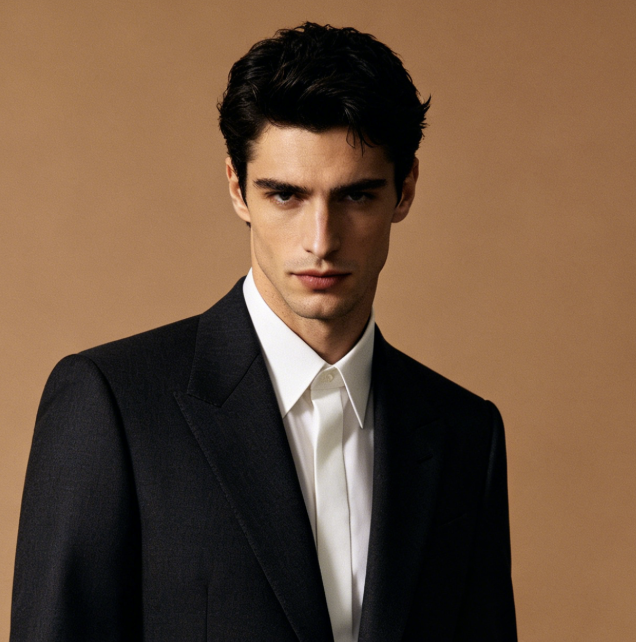
Best Uses for the Negative Image Converter
The negative image converter works for portraits, posters, social content, product concepts, art studies, and retro-style photography. Use the image color inverter for automatic color reversal and the free online negative photo filter for quick browser-based experiments.

Negative Portrait Photography
Use the negative image converter to transform selfies, headshots, and fashion portraits into dramatic visuals. The image color inverter reverses skin, hair, clothing, and background tones, while the free online negative photo filter keeps the original pose and composition.
Posters and Album Artwork
Create experimental cover art with the negative image converter. The image color inverter can turn a familiar photo into a bold centerpiece for posters, singles, playlists, podcasts, and event graphics.

Social Media Content
Use the negative image converter for feed posts, stories, thumbnails, and profile art. The online negative effect helps you create a scroll-stopping variation from content you already have.

Product and Fashion Concepts
Apply the negative image converter to product photos, clothing images, and campaign drafts. The image color inverter gives teams a quick alternative palette for moodboards, presentations, and visual direction reviews.

Art and Color Studies
Students and artists can use the negative image converter to examine contrast and complementary colors. The image color inverter reveals unexpected relationships, and the free online negative photo filter makes repeated experiments easy.

Retro Film Effects
Use the negative image converter to recreate the visual feel of photographic negatives. The free online negative photo filter adds an analog-inspired mood to travel photos, family images, street photography, and creative archives.
Negative Image Converter FAQ
Find answers about the negative image converter, image color inverter, supported images, online use, and the free online negative photo filter.
A negative image converter reverses the colors and brightness relationships in a photo. Light areas become dark, dark areas become light, and colors shift toward their opposites. AIImage APP applies this effect automatically through its image color inverter.
Upload your image, select the preset effect, and click generate. The negative image converter processes the photo and shows a preview. You can then download the result created by the image color inverter.
Yes. The free online negative photo filter works in your browser, so you do not need to install desktop software. The negative image converter provides a simple upload, generate, preview, and download workflow.
The negative image converter is suitable for portraits, products, landscapes, pets, posters, artwork, and social graphics. A clear source photo helps the image color inverter preserve important subject details.
The image color inverter changes color values across the whole image instead of changing only one hue. This gives the negative image converter a more complete photographic negative effect.
Yes. You can use the online negative effect for artwork, moodboards, social posts, thumbnails, campaign concepts, and personal experiments. Review the result from the negative image converter before publishing it.
Create a Negative Image with AIImage APP
Upload a photo and let the negative image converter reverse its colors in one click. Use the image color inverter to create striking portraits, posters, social graphics, product concepts, and art studies. The online filter gives you a fast browser-based workflow from upload to preview and download. Start with the negative image converter and turn an ordinary image into a bold visual.