Grok Image Generator For Fast Text To Image Creation
Create four AI images from one text prompt with AIImage
Grok image generator on AIImage helps you turn a written prompt into four image options in one task. This text to image model is built for fast image generation from text prompts, strong creative control, and precise text rendering. Use Grok image generator to describe a subject, style, mood, lighting, composition, objects, color palette, and image ratio, then compare four outputs before choosing the best result. Grok image generator works well for photorealistic visuals, anime scenes, cinematic characters, oil painting looks, digital art, fantasy concepts, abstract artwork, pencil sketch ideas, social graphics, poster concepts, and campaign drafts. Grok image generator is a practical choice when you need quick visual exploration without uploading a source image.
How Grok Image Generator Works
Grok image generator gives AIImage users a simple text to image workflow: write a clear prompt, select an image ratio, generate four results, preview the options, and download the best image. Grok image generator is designed for fast prompt testing, visual variation, and creative control.

Write Your Text Prompt
Start Grok image generator with text only. Describe what you want to see, including the main subject, scene, style, mood, lighting, camera angle, composition, objects, background, colors, and any words that should appear in the image.

Choose The Right Image Ratio
Use Grok image generator with a ratio that fits your goal. Pick a square format for posts, a vertical format for mobile visuals, or a horizontal format for banners, thumbnails, presentations, website sections, and ad concepts.
Generate And Preview Four Images
Run Grok image generator and get four images from one task. Preview the set, compare composition, text clarity, character expression, lighting, and visual style, then select the image that best matches your prompt.

Download And Share
After Grok image generator creates the four-image result, download your favorite output and use it for social media, blog covers, landing pages, ads, product concepts, moodboards, posters, or creative experiments.
Why Use Grok Image Generator On AIImage
Grok image generator combines fast text to image creation, strong creative control, readable text, multiple aspect ratios, and four-image output in one simple AIImage workflow. Grok image generator is a strong fit for creators, marketers, designers, founders, bloggers, game artists, and content teams who need more visual options from a single prompt. With Grok image generator, you can test mood, lighting, style, character framing, poster text, and composition before choosing a final result.
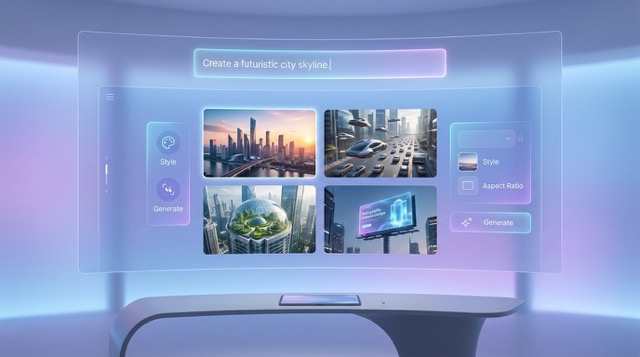
Fast Text To Image Generation
Grok image generator is focused on fast image generation from text prompts. Instead of building a complex design file, you write a direct prompt and let the model create image candidates quickly. Grok image generator is useful when you need to test several ideas, art directions, scenes, or compositions before committing to one visual. Because one task can produce four images, Grok image generator helps teams compare options faster and move from rough idea to usable visual with less friction.
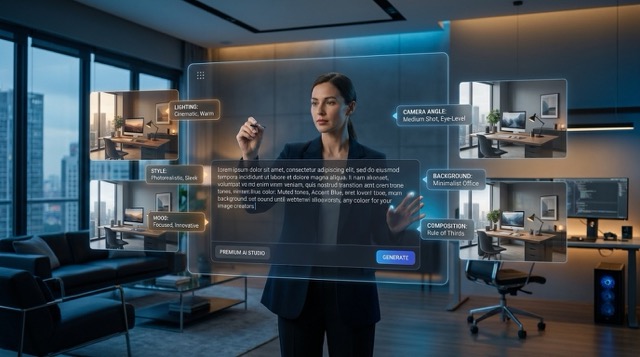
Strong Prompt Control
Grok image generator responds well to detailed prompts. You can guide the subject, visual style, mood, lighting, framing, color, background, objects, and typography placement. For better results, use Grok image generator with concrete instructions such as dramatic contrast, soft morning light, cyberpunk street, retro anime mood, clean product lighting, cinematic portrait, or abstract poster design. Grok image generator gives creators more control while keeping the workflow simple.
Readable Text For Posters And Graphics
Grok image generator is especially helpful when your image needs visible words. The model is known for precise text rendering, so you can ask for a title on a poster, a phrase on a sign, a label on packaging, or short copy inside a social graphic. Grok image generator still works best when you clearly state the exact words, where the text should appear, and how the design should feel.
Wide Style Range
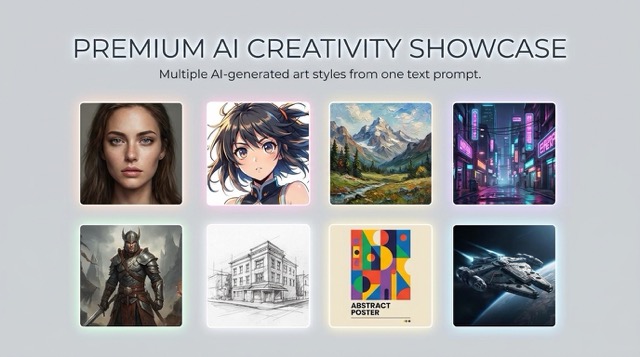
Grok image generator can support many visual directions from one prompt. Use it for photorealistic images, expressive portraits, anime visuals, digital painting, fantasy art, pencil sketch concepts, oil painting scenes, abstract compositions, cyberpunk moods, and cinematic character rendering. Grok image generator is useful for creators who want one text to image model for marketing visuals, social content, concept art, design drafts, and fast ideation.
Creators Use Grok Image Generator For Faster Visual Testing
AIImage users choose Grok image generator when they want text to image creation, four output choices, prompt control, readable text, and fast style exploration.
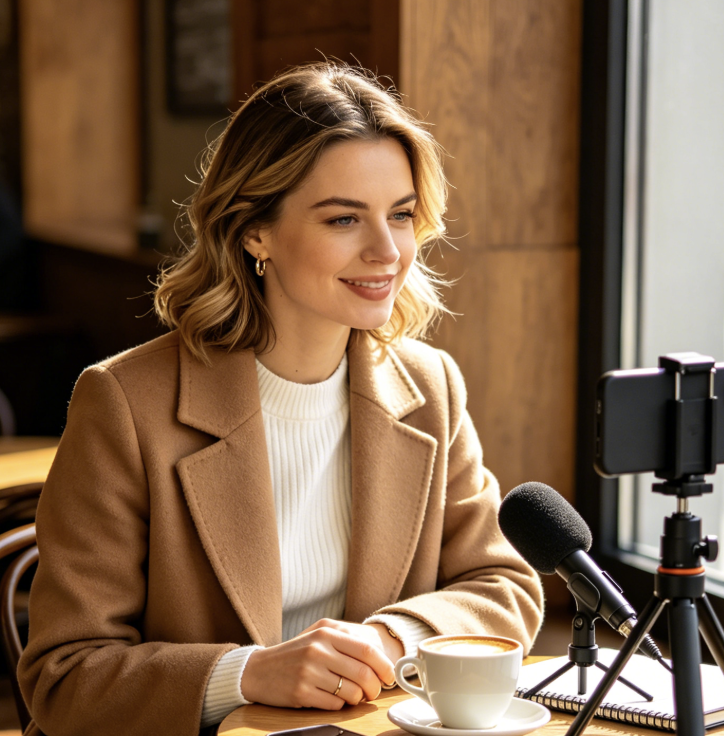
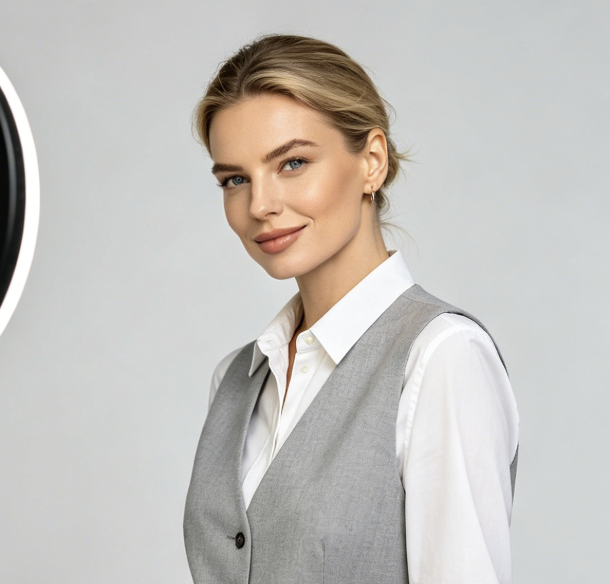
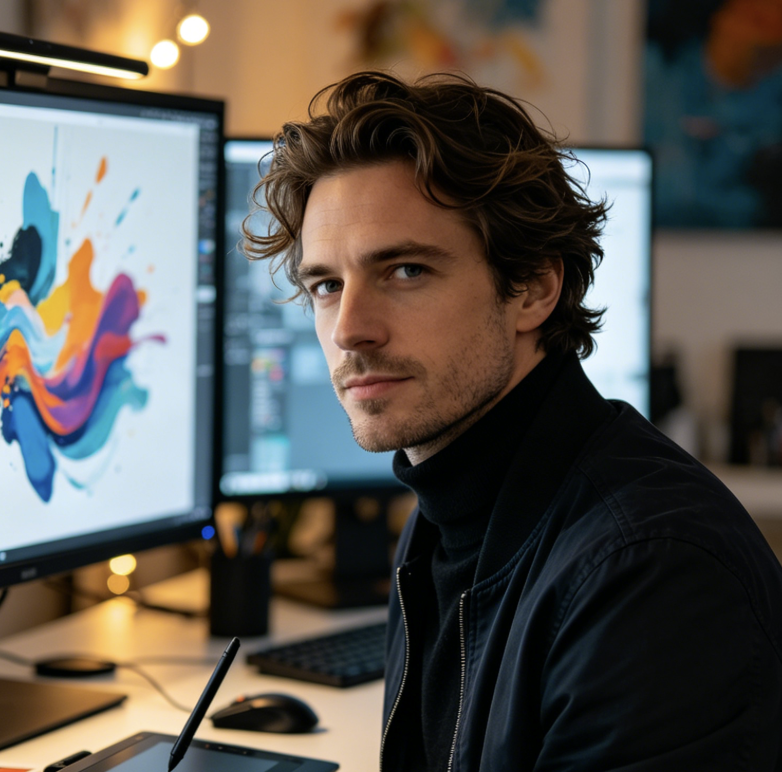
I used Grok image generator for campaign moodboards and liked getting four directions from one prompt. The text on poster concepts was clearer than I expected, which made review faster.
I used Grok image generator for campaign moodboards and liked getting four directions from one prompt. The text on poster concepts was clearer than I expected, which made review faster.
Grok image generator helped me test product scene ideas before arranging a shoot. I could compare four image options, adjust the prompt, and find a usable direction for my store.
Grok image generator helped me test product scene ideas before arranging a shoot. I could compare four image options, adjust the prompt, and find a usable direction for my store.
For social posts, Grok image generator gave me quick variations in different moods. I liked how easily I could ask for bold colors, dramatic lighting, and short readable text.
For social posts, Grok image generator gave me quick variations in different moods. I liked how easily I could ask for bold colors, dramatic lighting, and short readable text.
I used Grok image generator for indie game concept art. Retro anime and cyberpunk prompts came out with strong atmosphere, and the four-image result helped me choose faster.
I used Grok image generator for indie game concept art. Retro anime and cyberpunk prompts came out with strong atmosphere, and the four-image result helped me choose faster.
Grok image generator fits my brand exploration work. I can test typography placement, poster layouts, abstract graphics, and cinematic portraits without opening heavy design software.
Grok image generator fits my brand exploration work. I can test typography placement, poster layouts, abstract graphics, and cinematic portraits without opening heavy design software.
I use Grok image generator for blog headers and landing page concepts. The workflow is simple: write a detailed prompt, generate four images, preview, then download the best one.
I use Grok image generator for blog headers and landing page concepts. The workflow is simple: write a detailed prompt, generate four images, preview, then download the best one.


Best Use Cases For Grok Image Generator
Grok image generator works best when you need quick text to image options for content, design, marketing, story visuals, posters, typography graphics, concept art, and style testing.

Social Media Graphics
Use Grok image generator for posts, story visuals, creator graphics, announcement images, thumbnails, and short campaign concepts. Grok image generator helps you test style, mood, and text placement quickly.
Posters And Typography Visuals
Use Grok image generator when your image needs readable words, such as titles, signs, labels, event posters, product graphics, or quote visuals. Clear prompt wording improves the final text result.

Cinematic Character Concepts
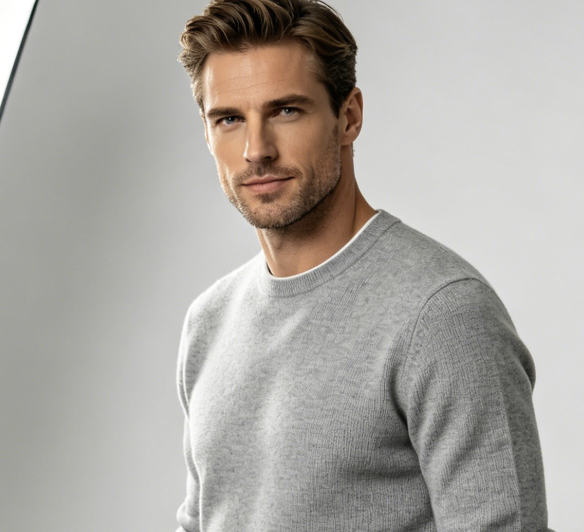
Create portraits, story characters, expressive faces, dramatic lighting, and narrative scenes with Grok image generator. It is useful for visual storytelling, concept art, and character moodboards.

Anime And Cyberpunk Art
Prompt Grok image generator for retro anime, cyberpunk city scenes, moody color palettes, neon lighting, emotional framing, and stylized environments for creative projects.

Marketing And Ad Concepts
Use Grok image generator to explore ad backgrounds, product scenes, campaign visuals, hero images, landing page banners, and thumbnail directions before final production.

Moodboards And Style Tests
Grok image generator is useful for moodboards, visual references, style exploration, creative briefs, art direction tests, and early design presentations.
Grok Image Generator FAQ
Learn how Grok image generator works on AIImage, including text to image prompts, four-image output, readable text, supported styles, and best prompt practices.
Grok image generator is a text to image model available on AIImage. You write a prompt, choose a ratio, and generate images based on your written description.
On this AIImage page, Grok image generator supports text to image only. Start with a written prompt instead of uploading a source image.
One Grok image generator task can produce four images. This makes it easier to compare different compositions, moods, and styles from the same prompt.
Grok image generator can create photorealistic images, anime visuals, oil painting looks, digital paintings, fantasy art, pencil sketches, abstract art, posters, and cinematic character scenes.
Yes. Grok image generator is useful for images with readable text, especially when you specify the exact wording, placement, and design style in your prompt.
Write a specific prompt with subject, style, mood, lighting, composition, background, color, aspect ratio, and any text you need. Clear details help Grok image generator create stronger results.
Start Creating With Grok Image Generator
Use Grok image generator on AIImage to turn a text prompt into four image options. Describe the subject, style, mood, lighting, composition, ratio, and any readable text, then generate, preview, download, and share your best result. Grok image generator helps you create faster visuals for social media, ads, posters, blogs, product concepts, cinematic characters, anime art, and creative moodboards.