Body Silhouette Photo Maker With AIImage APP
Upload a full-body photo and create a clean black and white body outline
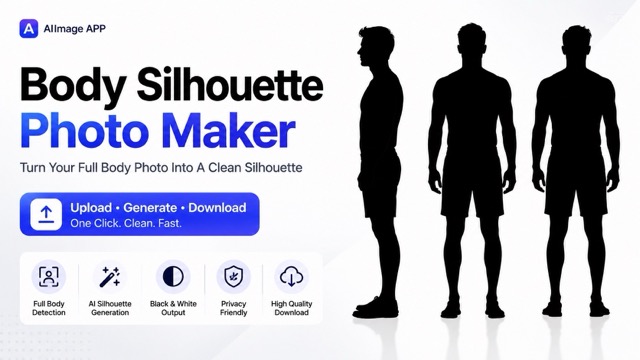
AIImage APP helps you turn a full-body picture into clean silhouette photography in seconds. Upload your standing photo, let the silhouette photo editor free remove the background, and get a high contrast black body outline on a pure white background. This page is built for users who want silhouette photography for body shape reference, fitness progress, fashion planning, profile visuals, creative posters, and simple comparison images. The silhouette photo editor free keeps the natural pose, height, shoulder line, waist shape, leg line, and full-body proportion while hiding face details, clothing texture, and background noise. With AIImage APP, silhouette photography becomes simple, fast, and private. Use the silhouette photo editor free to create a clear body silhouette photo without manual cutout work, complex editing software, or design skills. Start silhouette photography from one upload and generate a clean result for social media, personal records, visual research, or creative content.
How Body Silhouette Photography Works
AIImage APP makes silhouette photography easy: upload a full-body photo, generate a clean outline, preview the black and white result, and download it. The silhouette photo editor free is designed for fast body silhouette creation without manual background removal.

Upload A Full-Body Photo
Start silhouette photography by uploading a clear full-body image. A front, side, or natural standing pose works well. The silhouette photo editor free reads the body outline, posture, and visible proportions, then prepares the image for a clean black and white conversion.

Let AI Create The Body Outline
AIImage APP turns the person into silhouette photography while preserving the original pose and body shape. The silhouette photo editor free removes the background, face details, clothing color, and textures, leaving a simple full-body silhouette.
Preview The Black And White Result
Preview your silhouette photography result on a clean white background. Check the head outline, shoulders, arms, waist, hips, legs, and feet. The silhouette photo editor free keeps the image centered, minimal, and easy to compare.
Download And Share
Download your final silhouette photography image for fitness tracking, fashion review, moodboards, presentation visuals, or personal projects. The silhouette photo editor free helps you create a simple body silhouette photo that is ready to use.
Why Use AIImage APP For Silhouette Photography
AIImage APP is built for fast, clean, and useful silhouette photography. The silhouette photo editor free converts a full-body upload into a black and white body outline while removing background distractions and personal details. Use silhouette photography to focus on shape, posture, balance, and composition. The silhouette photo editor free is simple enough for beginners and practical enough for creators, trainers, stylists, marketers, and designers. Silhouette photography also helps teams make consistent visual references without a studio setup.
Accurate Full-Body Silhouette From Your Photo
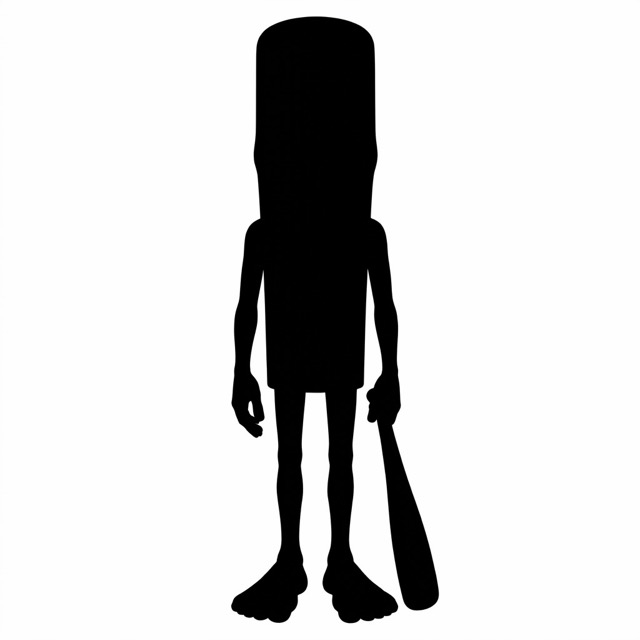
Good silhouette photography depends on a clear body outline. AIImage APP uses your uploaded photo as the reference and keeps the natural height, posture, head shape, shoulders, torso, arms, waist, hips, legs, and feet. The silhouette photo editor free removes personal details and turns the subject into a solid black shape on white. This makes silhouette photography useful for body shape comparison, fitness records, fashion checks, and creative design.
Clean Black And White Style
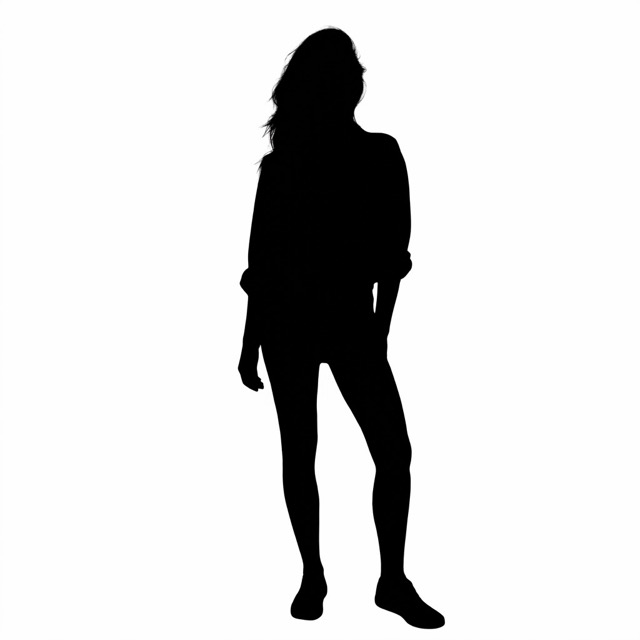
The tool creates silhouette photography with a strong black and white contrast. The silhouette photo editor free hides skin tone, face details, clothing patterns, background objects, and messy shadows. Your result looks simple, flat, clean, and easy to read. Use silhouette photography when you need a neutral visual that focuses only on the body outline, not identity, clothing, or location.
Useful For Fitness, Fashion, And Creative Projects
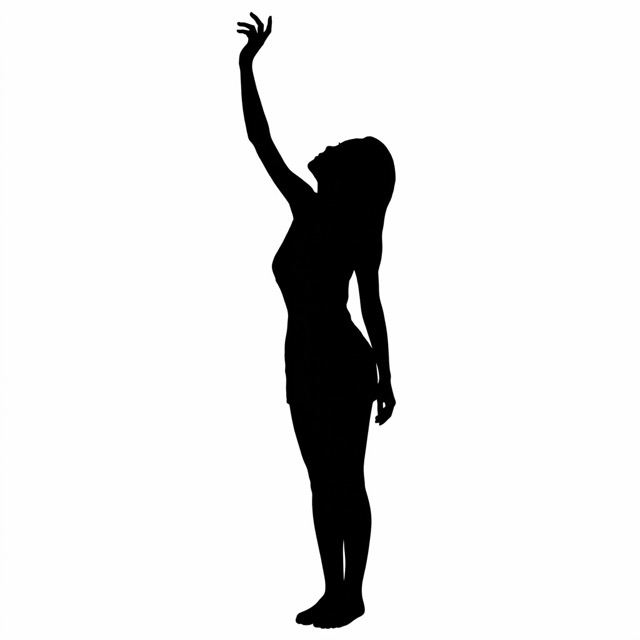
Silhouette photography works well for fitness progress images, posture checks, outfit planning, body reference boards, avatar concepts, posters, thumbnails, and educational visuals. The silhouette photo editor free gives creators a fast way to make a full-body outline from a real photo. AIImage APP keeps silhouette photography practical by focusing on clean edges, centered framing, and simple output.
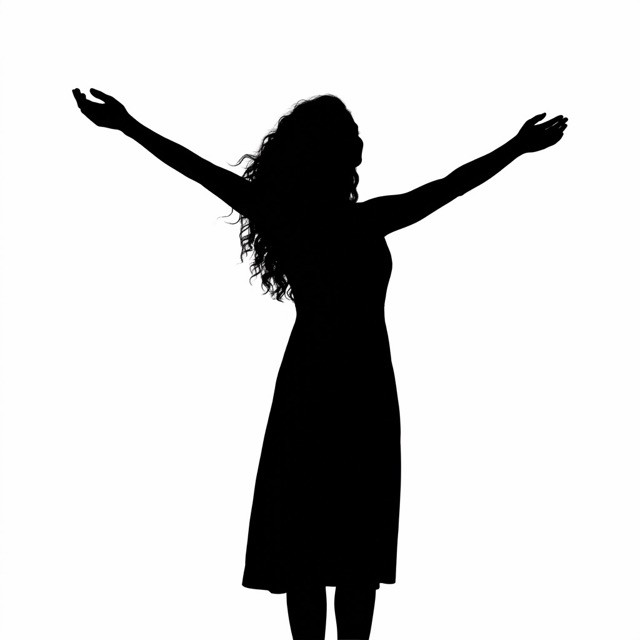
No Manual Cutout Or Design Skills Needed
Traditional silhouette photography can require lighting setup, background control, and editing time. AIImage APP makes the process easier. The silhouette photo editor free turns your full-body photo into a body silhouette image in one simple workflow. You do not need Photoshop, masks, layers, or manual tracing. Upload, generate, preview, and download silhouette photography quickly.
Users Like This Silhouette Photo Editor Free
Creators, coaches, stylists, and everyday users choose AIImage APP for silhouette photography because the workflow is simple, clean, and focused on the body outline.
I use silhouette photography to review fitness progress without focusing on clothing or lighting. The silhouette photo editor free gives me clean body outline images quickly.
I use silhouette photography to review fitness progress without focusing on clothing or lighting. The silhouette photo editor free gives me clean body outline images quickly.
For styling boards, silhouette photography helps me study shape and proportion first. AIImage APP makes the silhouette photo editor free simple and fast.
For styling boards, silhouette photography helps me study shape and proportion first. AIImage APP makes the silhouette photo editor free simple and fast.
I needed silhouette photography for clean visual references. The silhouette photo editor free removes distracting backgrounds and keeps the body outline clear.
I needed silhouette photography for clean visual references. The silhouette photo editor free removes distracting backgrounds and keeps the body outline clear.
Silhouette photography is helpful for posture reviews and client records. The silhouette photo editor free creates a neutral image that is easy to compare.
Silhouette photography is helpful for posture reviews and client records. The silhouette photo editor free creates a neutral image that is easy to compare.
I create thumbnails and simple poster concepts with silhouette photography. The silhouette photo editor free turns full-body photos into clear black outlines.
I create thumbnails and simple poster concepts with silhouette photography. The silhouette photo editor free turns full-body photos into clear black outlines.
AIImage APP makes silhouette photography easy for my wellness content. The silhouette photo editor free gives me a clean, private, and minimal result.
AIImage APP makes silhouette photography easy for my wellness content. The silhouette photo editor free gives me a clean, private, and minimal result.
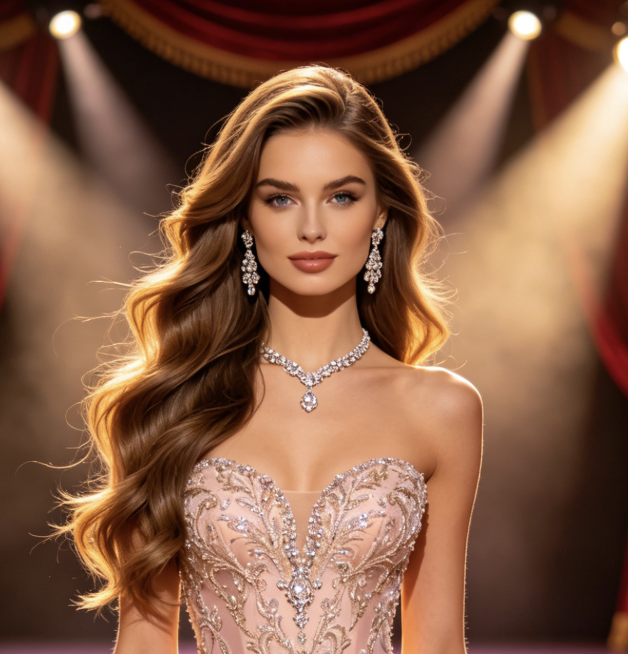
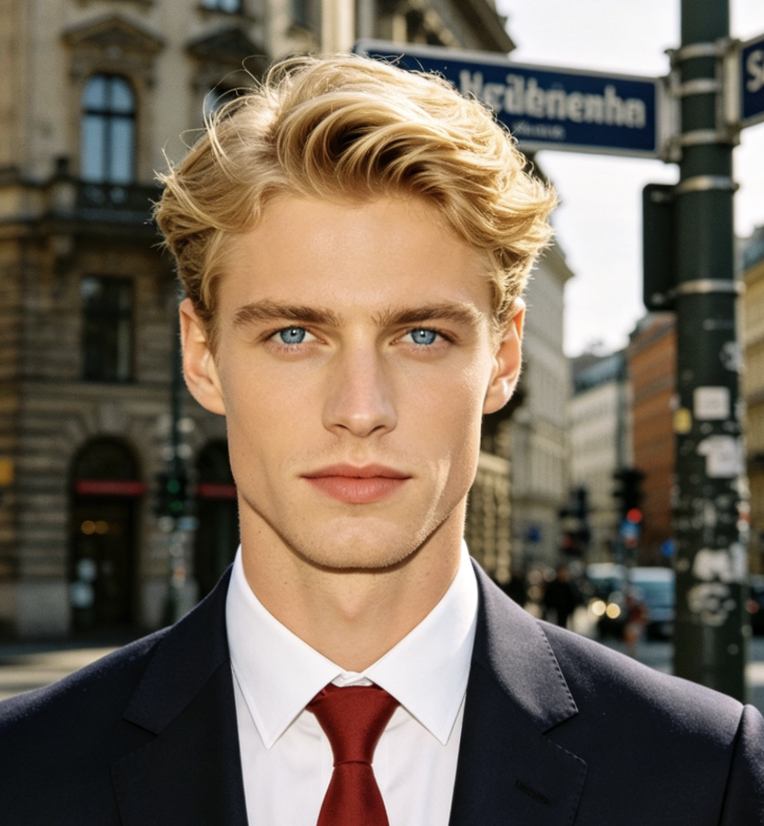
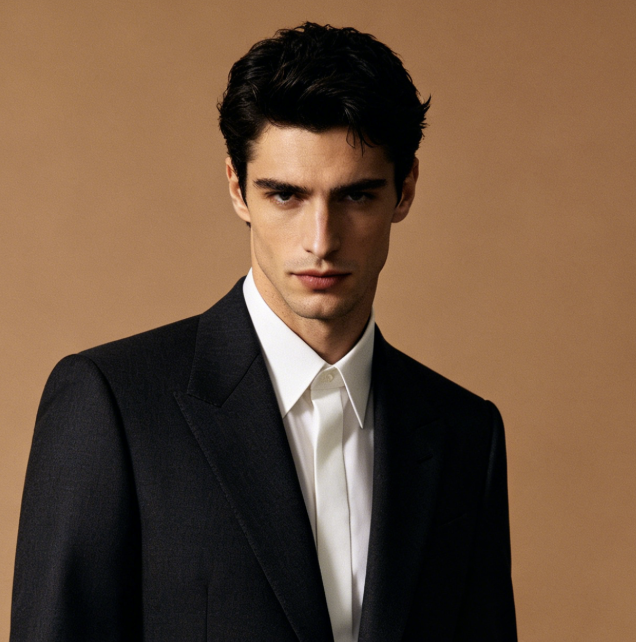
Best Uses For Silhouette Photography
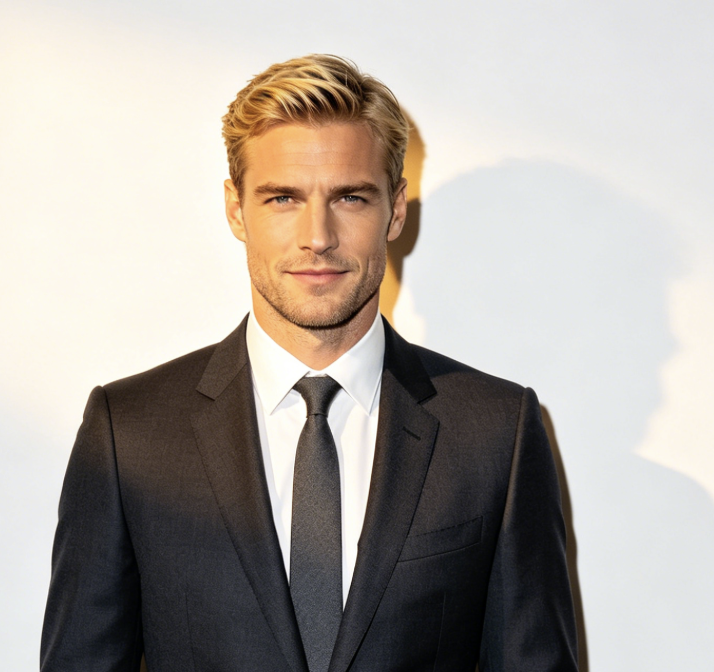
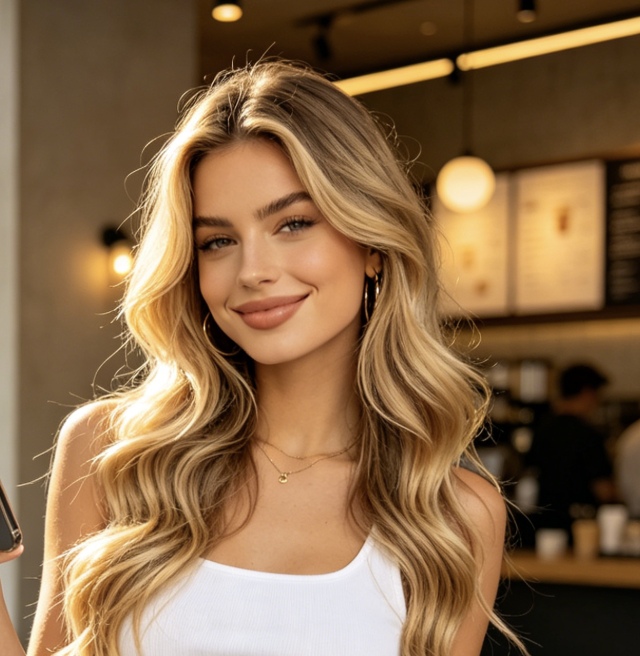
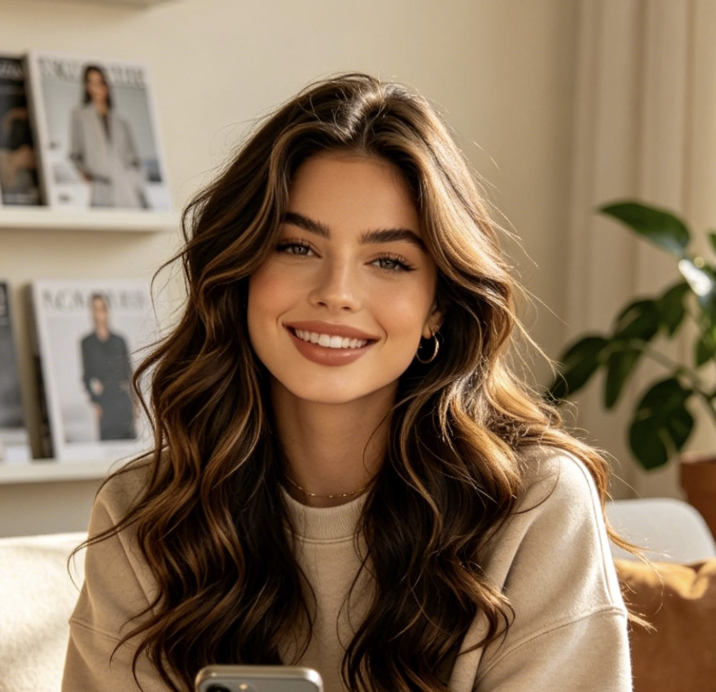
Silhouette photography is useful for fitness, fashion, wellness, design, privacy-friendly images, and social visuals. With AIImage APP, the silhouette photo editor free turns a normal full-body photo into a clean black body outline. Silhouette photography keeps every use case focused on shape and proportion.

Fitness Progress Comparison
Use silhouette photography to compare body outline, posture, and proportion over time. The silhouette photo editor free removes clothing color and background distractions, so the image stays simple and consistent.
Fashion And Outfit Planning
Silhouette photography helps stylists focus on shape, balance, and garment fit. The silhouette photo editor free creates a clean full-body outline for moodboards and styling notes.

Posture And Body Reference
Create silhouette photography from front or side photos to study posture, shoulder line, neck angle, waist shape, and leg position. The silhouette photo editor free makes the reference image clear.

Creative Posters And Thumbnails
Use silhouette photography for posters, covers, video thumbnails, profile visuals, and simple creative graphics. The silhouette photo editor free creates a bold black and white base image.

Privacy-Friendly Body Outline
Silhouette photography can hide identity while keeping the body outline visible. The silhouette photo editor free removes face details, clothing texture, color, and background context.
Design And Education References
Designers and educators can use silhouette photography for anatomy examples, shape studies, visual comparison, and simple worksheets. The silhouette photo editor free keeps output minimal and readable.
Silhouette Photography FAQ
Learn how AIImage APP creates silhouette photography from full-body uploads and how the silhouette photo editor free helps you make clean body outline images.
Silhouette photography with AIImage APP means you upload a full-body photo and generate a black body outline on a white background. The silhouette photo editor free removes details and keeps the body shape clear.
A clear full-body image works best for silhouette photography. Use a front, side, or standing pose with visible feet and enough space around the body. The silhouette photo editor free can then read the outline more accurately.
AIImage APP is designed to keep the original pose and general body outline. The silhouette photo editor free focuses on preserving posture, proportion, and shape while removing identity details.
The result is a clean black and white image for silhouette photography. The person becomes a solid black shape on a simple white background, with no face details, clothing texture, or complex background.
Yes. The silhouette photo editor free is useful for fitness tracking, fashion planning, creative posters, thumbnails, privacy-friendly visuals, and basic body outline references. Silhouette photography can support many visual projects.
For better silhouette photography, upload a full-body photo with good lighting, visible arms and legs, and a simple pose. The silhouette photo editor free works best when the body is not cropped or hidden.
Create Silhouette Photography With AIImage APP
Upload a full-body photo and create silhouette photography in one click. AIImage APP turns your image into a clean black body outline on a white background. Use the silhouette photo editor free for fitness progress, posture reference, fashion planning, creative posters, privacy-friendly images, and simple body comparison visuals. Start silhouette photography today and download a clean silhouette photo editor free result from your own image. Silhouette photography is fast, clean, and easy to repeat.