Image To Image AI Editor With AIImage APP
Upload a photo, write a prompt, and edit images with AI
AIImage APP gives you a simple image to image AI workflow for editing any uploaded photo with text instructions. Upload an image, describe what you want to change, and let image to image AI adjust the style, background, color, lighting, details, or overall visual direction. This AI image editor no sign up helps creators, marketers, shop owners, designers, and everyday users improve pictures without complex software. Use image to image AI for portraits, product photos, social media visuals, blog images, campaign concepts, and creative experiments. If you need the best image to image AI tool for fast photo transformation, AIImage APP makes image to image AI clear, flexible, and easy to use.
How Image To Image AI Works
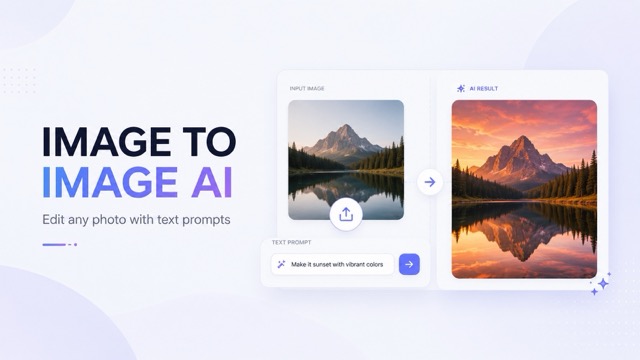
Use AIImage APP to run image to image AI in four simple steps: upload an image, enter a text prompt, generate an edited result, then preview and download. This AI image editor no sign up helps you turn existing photos into better visuals with prompt based control. For creators who need the best image to image AI tool, the workflow is fast and practical.
Upload Your Image
Start image to image AI by uploading the photo you want to edit. You can use a portrait, product shot, design draft, lifestyle picture, pet photo, room image, or social media visual. AIImage APP works as an AI image editor no sign up, so you can begin image to image AI editing quickly.
Write Your Editing Prompt
Tell image to image AI what you want to change. Describe the new style, background, color mood, lighting, clothing, object details, composition, or creative direction. A clear prompt helps the best image to image AI tool understand your goal and create a more accurate result.
Generate The Edited Image
Click generate and let AIImage APP transform your upload. The image to image AI engine reads your original picture and prompt together, then creates an edited version that follows your instruction. This AI image editor no sign up is useful for fast revisions and visual testing.
Preview, Refine, And Download
Preview your new image, refine the prompt if needed, and download the final result. Image to image AI lets you test multiple directions without starting from zero. AIImage APP can be your best image to image AI tool for daily content, edits, and creative production.
Why Use AIImage APP For Image To Image AI
AIImage APP makes image to image AI practical for users who already have a photo and want to improve, restyle, or transform it. This AI image editor no sign up helps you avoid complex manual editing while still giving you prompt based creative control. Use image to image AI for portraits, products, banners, thumbnails, ads, personal photos, brand visuals, and idea testing. For fast results, the best image to image AI tool should combine upload based editing, clear prompts, and flexible generation in one simple workflow.
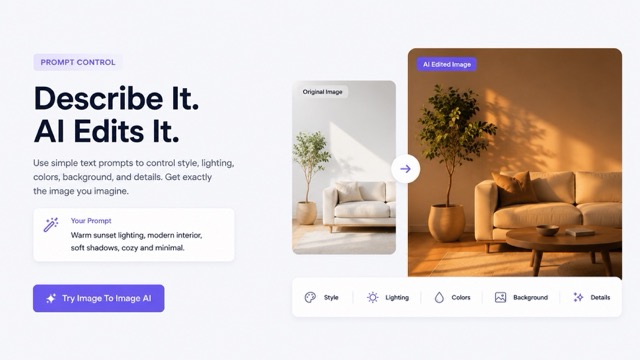
Edit Existing Images With Text Prompts
Image to image AI is different from basic text to image generation because it starts with your uploaded picture. AIImage APP uses the original image as visual guidance, then follows your prompt to adjust the final result. You can change a background, restyle a portrait, improve a product photo, create a new campaign look, or turn a rough idea into a polished visual. This AI image editor no sign up makes image to image AI useful for quick edits and creative variants. If you need the best image to image AI tool, AIImage APP gives you prompt control without complicated editing layers.
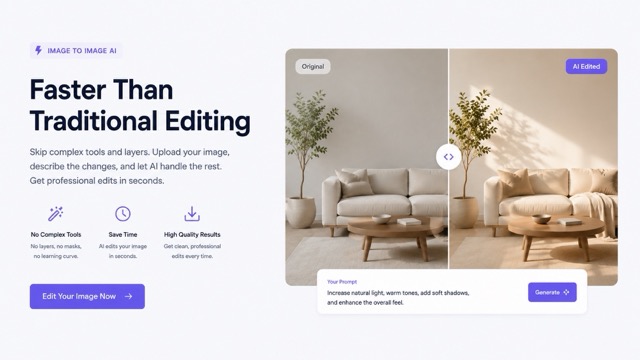
Control Style, Mood, And Details
With image to image AI, your prompt can guide the style, mood, scene, texture, color palette, lighting, camera angle, background, and small details. You can ask for a clean studio look, cinematic lighting, luxury product style, anime inspired art, realistic retouching, or social media ready visuals. AIImage APP works as an AI image editor no sign up, so users can test image to image AI ideas quickly. For marketers and creators, the best image to image AI tool should make edits easy to describe and easy to repeat.
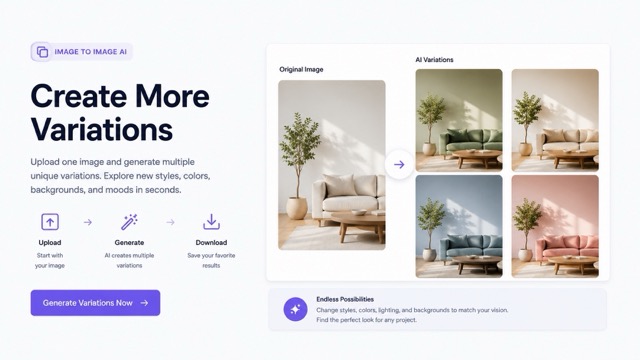
Create More Variations From One Image
One photo can become many creative options with image to image AI. Upload a single product image and test different backgrounds. Upload a portrait and try different professional styles. Upload a design draft and explore a more finished look. AIImage APP helps teams create visual options faster than manual editing. This AI image editor no sign up is useful when you need more ideas in less time. The best image to image AI tool should help you move from one uploaded image to many usable directions.
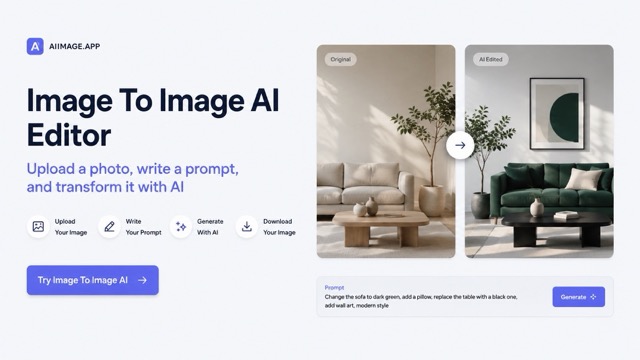
A Faster Alternative To Complex Editors
Traditional photo editing can require layers, masks, brushes, presets, and manual adjustments. Image to image AI makes the process more direct: upload the image and explain the edit in natural language. AIImage APP gives creators an AI image editor no sign up for fast daily work. You can create thumbnails, ads, profile visuals, blog covers, e-commerce images, and concept art with less friction. If you want the best image to image AI tool for speed, AIImage APP keeps image to image AI simple.
Users Choose Image To Image AI For Faster Editing
AIImage APP helps creators, marketers, designers, shop owners, and content teams use image to image AI with a simple AI image editor no sign up workflow.
I use image to image AI to turn rough product photos into cleaner campaign visuals. AIImage APP feels like an AI image editor no sign up that fits my daily workflow. For quick variants, it is the best image to image AI tool I have tried.
I use image to image AI to turn rough product photos into cleaner campaign visuals. AIImage APP feels like an AI image editor no sign up that fits my daily workflow. For quick variants, it is the best image to image AI tool I have tried.
Image to image AI helps me test different ad concepts without booking new shoots. I upload one image, change the prompt, and get fresh directions. This AI image editor no sign up saves time when I need the best image to image AI tool for fast work.
Image to image AI helps me test different ad concepts without booking new shoots. I upload one image, change the prompt, and get fresh directions. This AI image editor no sign up saves time when I need the best image to image AI tool for fast work.
For social content, image to image AI is perfect. I can restyle a portrait, change the mood, or make a visual more eye catching. AIImage APP is an AI image editor no sign up that gives me flexible results quickly.
For social content, image to image AI is perfect. I can restyle a portrait, change the mood, or make a visual more eye catching. AIImage APP is an AI image editor no sign up that gives me flexible results quickly.
I use image to image AI for client mockups and moodboards. The process is simple: upload, prompt, generate, refine. AIImage APP works like the best image to image AI tool when I need visual options before final design.
I use image to image AI for client mockups and moodboards. The process is simple: upload, prompt, generate, refine. AIImage APP works like the best image to image AI tool when I need visual options before final design.
AIImage APP gives me an AI image editor no sign up for blog covers, thumbnails, and newsletter images. Image to image AI lets me keep the original idea while making the final visual stronger and more polished.
AIImage APP gives me an AI image editor no sign up for blog covers, thumbnails, and newsletter images. Image to image AI lets me keep the original idea while making the final visual stronger and more polished.
I like using image to image AI for creative experiments. I can upload a simple photo and turn it into a cinematic, futuristic, or realistic concept. For my work, AIImage APP is the best image to image AI tool for quick exploration.
I like using image to image AI for creative experiments. I can upload a simple photo and turn it into a cinematic, futuristic, or realistic concept. For my work, AIImage APP is the best image to image AI tool for quick exploration.

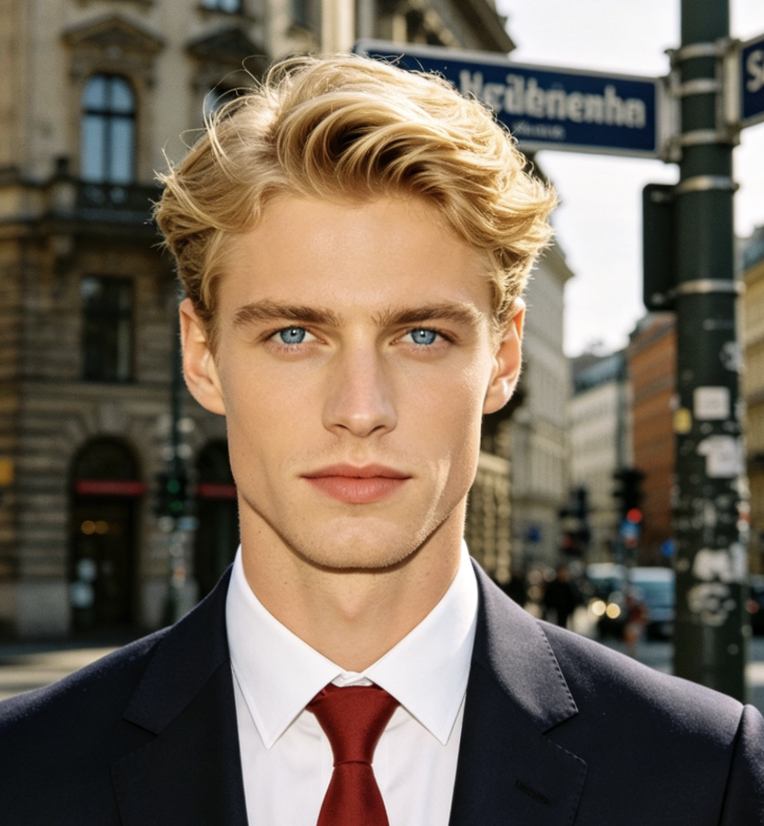
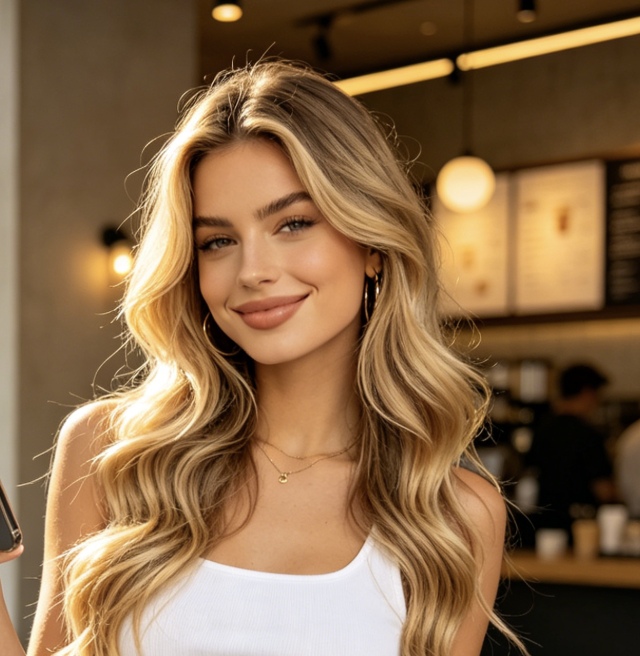
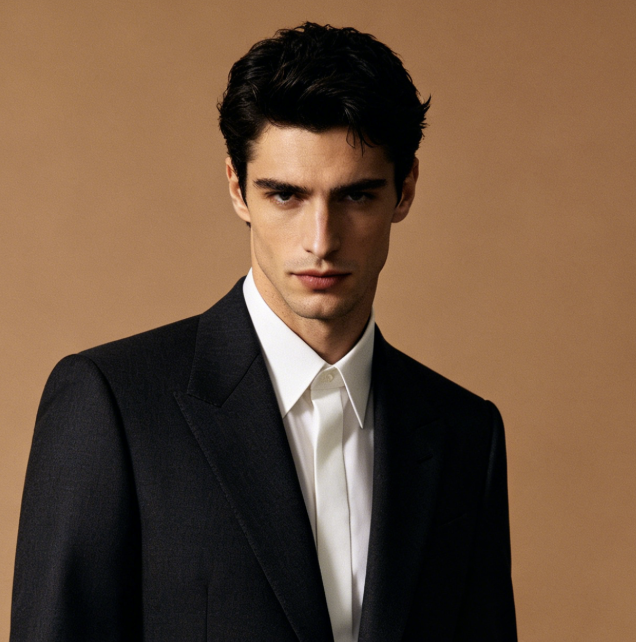

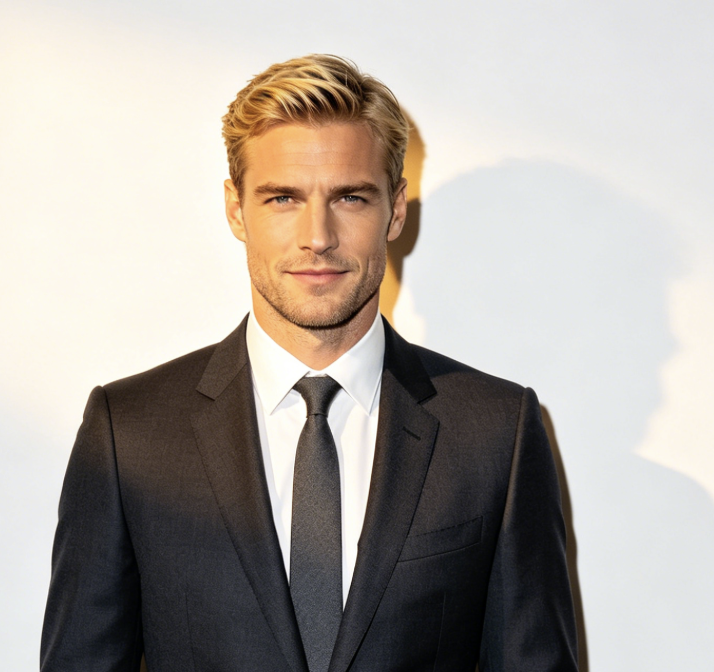
Best Use Cases For Image To Image AI
Image to image AI is useful when you want to keep the structure of an uploaded image while changing the look, style, mood, background, or detail. AIImage APP supports product edits, portraits, ads, social posts, websites, blogs, and creative artwork. For many users, the best image to image AI tool is the one that turns existing photos into better content without a long editing process.
Product Photo Editing
Use image to image AI to improve product backgrounds, lighting, colors, and lifestyle scenes. AIImage APP works as an AI image editor no sign up for e-commerce sellers who need the best image to image AI tool for quick product visuals.
Portrait Restyling
Upload a portrait and use image to image AI to change the mood, background, clothing style, lighting, or visual theme. This AI image editor no sign up helps users create professional, casual, cinematic, or creative portraits.

Social Media Visuals
Create posts, thumbnails, banners, story images, and profile visuals with image to image AI. AIImage APP can be the best image to image AI tool for creators who need fresh visuals from existing photos.
Ad Concept Testing
Use image to image AI to create different campaign looks from one upload. This AI image editor no sign up helps teams test angles, colors, settings, and styles before choosing final ad materials.
Website And Blog Images
Turn existing images into headers, article covers, landing page visuals, and feature graphics. Image to image AI helps publishers and businesses create more polished web assets with less manual work.
Creative Art Exploration
Use image to image AI for concept art, fantasy scenes, poster looks, character ideas, and visual experiments. AIImage APP gives artists an AI image editor no sign up for fast creative direction testing.
Image To Image AI FAQ
Learn how image to image AI works, how to use an AI image editor no sign up, and how AIImage APP can help you edit uploaded images with text prompts.
Image to image AI is an AI editing workflow where you upload an existing image and use a text prompt to describe the changes you want. AIImage APP reads both the image and prompt, then generates a new edited result.
Yes. AIImage APP is designed as an AI image editor no sign up for users who want a faster way to test image edits. You can upload a photo, write a prompt, generate a result, and refine the output.
You can use image to image AI to change backgrounds, adjust style, improve lighting, restyle portraits, create product scenes, test campaign visuals, or turn a normal image into a more creative version.
A good prompt should include the exact edit you want, such as background, style, lighting, color, mood, composition, camera feel, texture, and important details. Better prompts help the best image to image AI tool create more accurate results.
Image to image AI works well for marketers, designers, e-commerce sellers, bloggers, creators, artists, students, and anyone who wants to edit photos with AI instead of using complex design software.
The best image to image AI tool should be easy to use, support prompt based editing, accept uploaded images, generate useful variations, and help users move from original photo to final visual quickly. AIImage APP focuses on that simple workflow.
Start Editing With Image To Image AI
Upload your photo, describe the edit you want, and generate a new image in seconds. AIImage APP gives you image to image AI for portraits, products, social media, ads, blogs, website visuals, and creative ideas. Use this AI image editor no sign up when you need quick edits, multiple variations, and prompt based control. If you want the best image to image AI tool for everyday image editing, start with AIImage APP.